
How to Find OnlyFans Creators by Categories: Smart Search Guide

Leo Vance
Published: Aug 13, 2026 • 9 min read
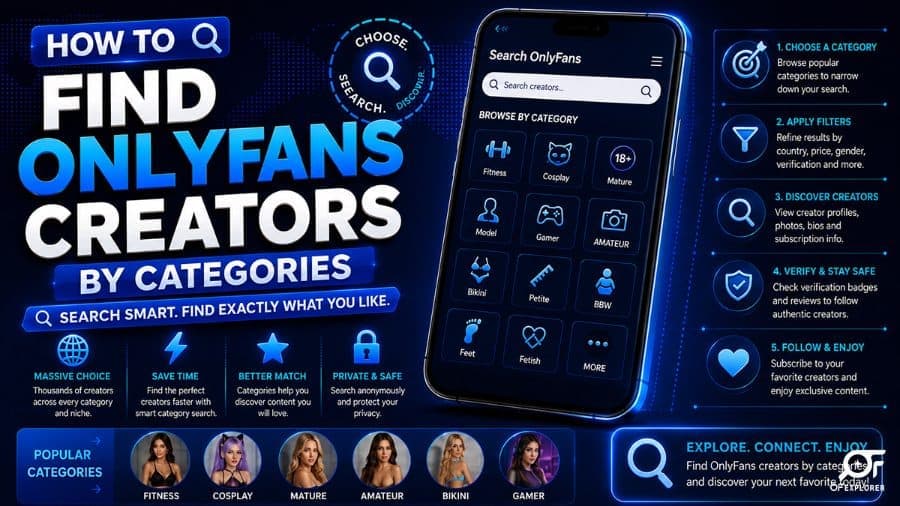
How to Find OnlyFans Creators by Categories: Smart Search Guide
The subscription creator economy has expanded far beyond a handful of mainstream celebrity profiles. In 2026, OnlyFans hosts over 4.1 million registered creator accounts producing millions of hours of multimedia content across every imaginable aesthetic, passion, and artistic discipline.
Yet, if you log onto the official platform homepage hoping to discover new creators aligned with your personal interests, you encounter an immediate technological obstacle: OnlyFans features no category browsing tabs, no genre directories, and no algorithmic recommendation feed. Searching for a broad topic like "Fitness," "Cosplay," or "Gamer" in the native search bar yields zero results unless a creator has incorporated that exact word into their personal username.
Finding the exact creators you wish to follow requires knowing how to find OnlyFans creators by categories using external indexing platforms, specialized search engines, and advanced query operators.
In this comprehensive search masterclass, we examine why native platform discovery is intentionally limited, analyze the premier third-party directories indexing the creator ecosystem, break down the most popular creator categories in 2026, and provide actionable search frameworks to discover verified creators in seconds.
The Architectural Flaw: Why Native Search Fails
As detailed in our investigative analysis of the best OnlyFans search engines, the official OnlyFans search bar is engineered exclusively as a direct URL and handle validator rather than an open discovery portal.
This design choice stems from deliberate corporate policy:
- Merchant Processor Restrictions: By eliminating open, unauthenticated public browsing of adult or suggestive material, OnlyFans protects its compliance standing with major credit card payment processing networks (Visa and Mastercard).
- Creator Privacy Safeguards: Many creators intentionally operate under discrete pseudonyms and prefer to control their own inbound traffic rather than being indexed in a centralized public catalog.
- Closed Transaction Focus: OnlyFans views its role strictly as a secure hosting, streaming, and billing infrastructure, delegating customer acquisition entirely to creators' external social media presence.
Because the native platform refuses to categorize its creators, third-party developers created specialized aggregators to crawl public bio data and provide categorical filtering.
How Third-Party Discovery Engines Categorize Creators
To find creators by genre, users rely on external discovery directories such as OnlyFinder, FansMetrics, and OFSearch:
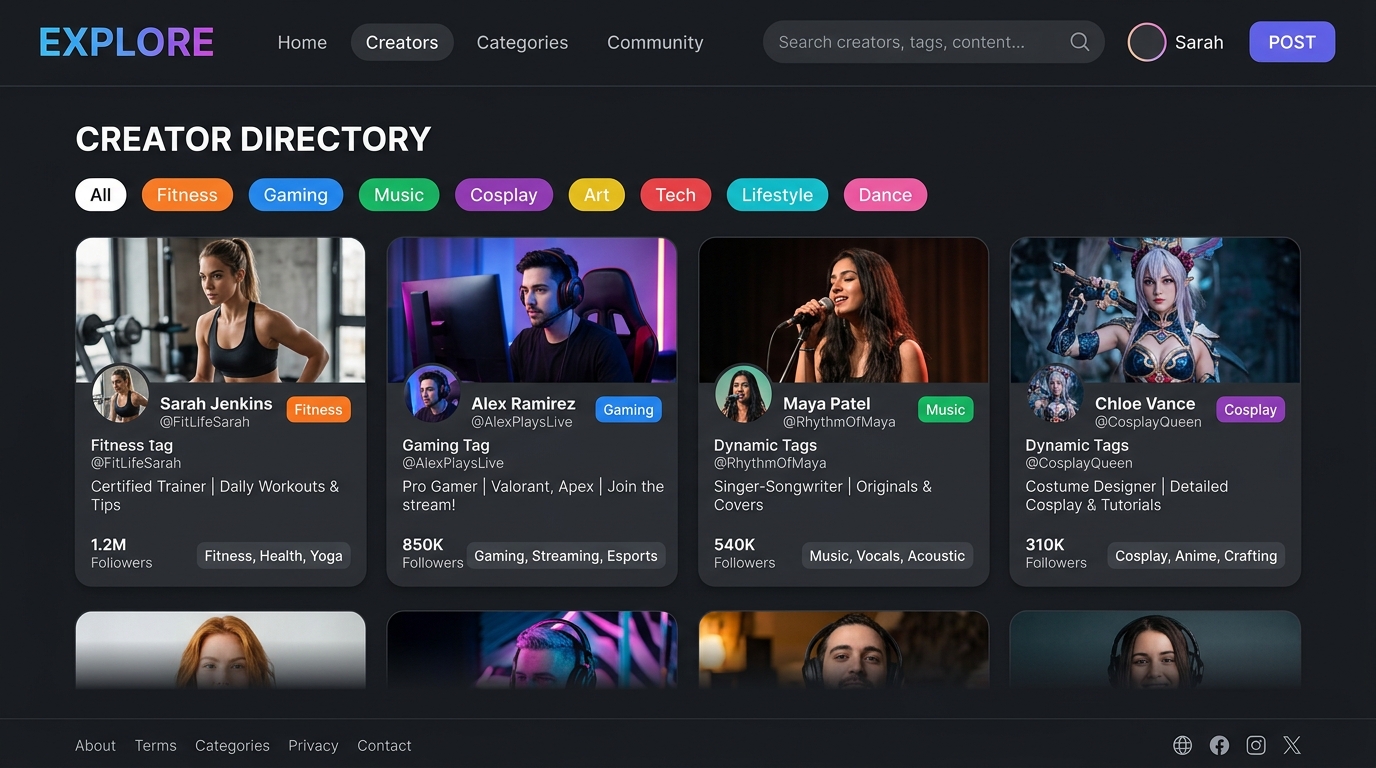
These specialized platforms employ automated crawlers and natural language processing (NLP) to index public creator metadata:
- Biographical Keyword Scraping: Algorithms scan public creator bios for identifying terms, hobbies, skills, and creative interests (e.g., "powerlifter," "anime streamer," "ASMR artist").
- External Social Account Cross-Referencing: Crawlers link public X/Twitter, Instagram, and Reddit profiles to their corresponding OnlyFans destination links, categorizing creators based on their external social hashtags.
- Geocoding & Location Tagging: Platforms extract location tags, city mentions, and regional flags, allowing users to cross-reference category niches with geographic regions.
The Dominant Creator Categories in 2026
When utilizing third-party search directories, millions of profiles are organized into distinct category verticals. Here are the primary genres dominating the platform:
1. Fitness, Bodybuilding & Athletic Coaches
Fitness creators represent one of the fastest-growing verticals on subscription media. Because mainstream platforms like Instagram frequently suppress athletic accounts displaying physique posing, bodybuilders and certified trainers migrate to OnlyFans to share uncensored workouts.
- Content Provided: Hypertrophy splits, contest preparation logs, personalized macro plans, and direct 1-on-1 coaching consultations.
- How to Search: Filter by tags like
Fitness,Bodybuilding,Personal Trainer, orAthlete. - Key Identifier: Bios frequently feature credentials (e.g., "IFBB Pro," "NASM CPT") and link to customized workout tip menus.
2. Cosplay, Anime & Fantasy Artistry
The cosplay vertical is one of the most commercially lucrative and creative spaces online. Cosplayers spend thousands of dollars crafting elaborate costumes replicating iconic video game, comic book, and anime characters.
- Content Provided: High-production fantasy photoshoots, armor crafting tutorials, prop fabrication behind-the-scenes, and themed direct message video sets.
- How to Search: Filter by
Cosplay,Anime,Gaming, or specific character names (e.g.,Tifa,2B,Spider-Gwen). - Key Identifier: Creators frequently host subscriber polls allowing members to vote on upcoming costume builds.
3. Gamers, E-Girls & Tech Streamers
Gaming influencers frequently establish dual subscription channels bridging their live Twitch or Kick streams with exclusive personal media.
- Content Provided: Uncut gaming streams, Discord VIP community access, multiplayer gaming lobbies with subscribers, and casual personal vlogs.
- How to Search: Query
Gamer,Streamer,E-Girl, orTwitch Partner. - Key Identifier: Bios often list favorite games (Valorant, Call of Duty, League of Legends) and link to verified Steam or Discord servers.
4. Amateur & Authentic Lifestyle Creators
While high-production studio creators command large followings, "Amateur" remains the single most searched keyword across every major third-party directory. Modern subscribers increasingly gravitate toward authentic, unedited, slice-of-life media over sterile studio productions.
- Content Provided: Daily unfiltered vlogs, casual smartphone selfies, direct personal chat interactions, and authentic lifestyle updates.
- How to Search: Filter by
Amateur,Lifestyle,College, orReal Life. - Key Identifier: Creators who run a Free OnlyFans Account often allow fans to preview their authentic style before committing to paid pay-per-view drops.
5. Culinary Arts, Chefs & Sommelier Masterclasses
Subscription platforms have expanded into the culinary world. Professional chefs, pastry artists, and home cooks monetize exclusive recipes and technique tutorials without the constraints of television production.
- Content Provided: Step-by-step masterclass video recipes, wine pairing guides, ingredient sourcing secrets, and live interactive cooking nights.
- How to Search: Query
Chef,Cooking,Baking, orCulinary Masterclass.
Advanced Search Operators for Google and External Engines
If you do not wish to use third-party aggregator websites, you can leverage Google’s advanced boolean search operators to discover creators by category directly within the onlyfans.com domain.
Use these proven Google search strings:
# Finding fitness creators located in Miami
site:onlyfans.com "fitness" "Miami"

# Finding verified cosplay creators
site:onlyfans.com "cosplay" "verified" -jobs -help

# Discovering free-to-follow gamer profiles
site:onlyfans.com "gamer" "free subscription"

# Searching for creators who also maintain public Twitter feeds
site:onlyfans.com "chef" "twitter.com"
These search queries force search engine crawlers to return only live OnlyFans profile pages containing your exact target keywords within their public biographical text.
Category Breakdown & Popularity Matrix
| Category Vertical | Primary Demographics | Average Subscription Price | Typical Content Offerings | Third-Party Search Difficulty |
|---|---|---|---|---|
| Fitness & Gym | Male & Female Lifters | $9.99 - $19.99/mo | Workout splits, contest prep, 1-on-1 virtual training | Very Easy (High keyword density) |
| Cosplay & Anime | Pop Culture & Gaming Fans | $10.00 - $25.00/mo | Themed photoshoots, prop crafting, cosplay polls | Very Easy (Unique character tags) |
| Gamers & Streamers | Digital Native Audiences | $5.00 - $15.00/mo | Stream highlights, Discord access, lobby games | Easy (Cross-platform social links) |
| Amateur Lifestyle | General Audiences | $0.00 - $12.00/mo | Smartphone vlogs, authentic chats, daily updates | Moderate (Requires active vetting) |
| Alternative & Tattoo | Niche Culture Enthusiasts | $10.00 - $20.00/mo | Body art showcases, gothic/punk fashion, modeling | Easy (Specific visual aesthetics) |
| Culinary & Arts | Food & Cooking Enthusiasts | $5.00 - $15.00/mo | Detailed recipe guides, cooking tutorials, live dinners | Moderate (Emerging niche vertical) |
Safety, Verification, and Avoiding Scams
When searching for creators through external directories, safety and authenticity are essential:
- Verify Direct Links: Always confirm that external links navigate to official
onlyfans.com/usernameURLs with valid HTTPS security certificates. Never enter payment information on third-party aggregator landing pages. - Check Verified Creator Badges: Authentic creators display a blue verified checkmark on their official OnlyFans profile, confirming their government identity has passed KYC compliance.
- Avoid Content Scraper Portals: Third-party websites claiming to offer "free leaked full feeds" are notorious vectors for malware, phishing scams, and credit card fraud. Support creators directly through legitimate platform paywalls.
Frequently Asked Questions (FAQ)
Can you search OnlyFans by specific city or country?
The official OnlyFans platform does not allow location-based searching. However, third-party search engines like OnlyFinder feature interactive geographic map tools that locate creators who have tagged specific cities, postal codes, or countries in their public profile data.
Is it legal to use third-party OnlyFans search engines?
Yes. Legitimate search engines like OnlyFinder and FansMetrics index only publicly accessible metadata (profile avatars, header banners, and bio text) that creators have made visible to search crawlers. They do not bypass paywalls or display locked content.
Why does OnlyFans not have categories on its website?
OnlyFans intentionally omits internal category directories to maintain strict compliance with global credit card payment processing networks (Visa and Mastercard) and to protect creator privacy by preventing non-authenticated public browsing of suggestive material.
How do I find free OnlyFans accounts by category?
You can use third-party directories and apply the "Free Subscription" price filter while selecting your desired category tag (such as Fitness, Cosplay, or Amateur). Alternatively, use the Google search operator: site:onlyfans.com "free" "category_keyword".
What is the most popular creator category on OnlyFans?
While glamour and adult modeling account for the majority of gross platform volume, "Amateur Lifestyle," "Fitness Coaching," and "Cosplay" consistently rank as the three most searched specialty categories across third-party search directories.