
The Best Tools to Search OnlyFans Accounts: OnlyFinder & Search Engines in 2026

Leo Vance
Published: Sep 2, 2026 • 9 min read
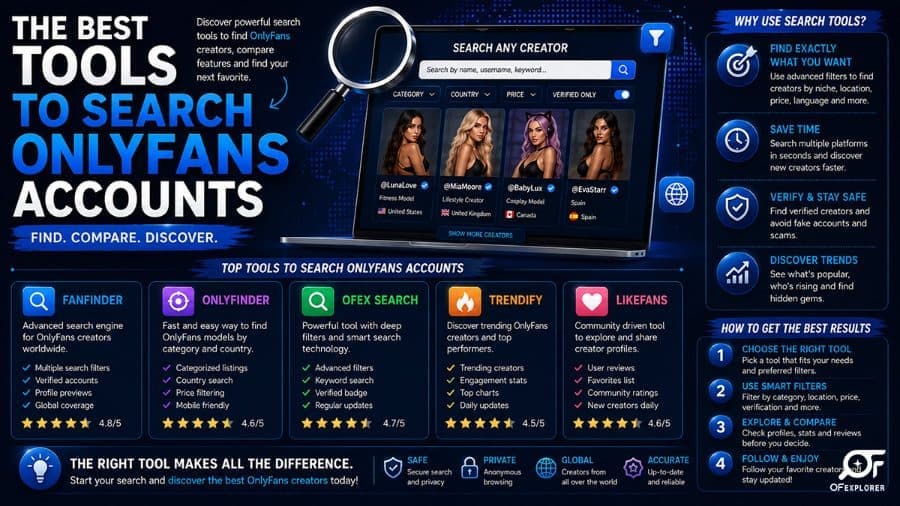
The Best Tools to Search OnlyFans Accounts: OnlyFinder & Search Engines in 2026
One of the most persistent operational paradoxes of the creator economy is that OnlyFans does not feature an internal search engine.
If you log into the platform without an exact, character-for-character URL (e.g., onlyfans.com/creatorusername), discovering new profiles is virtually impossible. The platform provides no public category directories, no geographic filters, and no search bar capable of querying biographical keywords, interests, or locations.
This design omission was intentional: by eliminating open internal discovery, OnlyFans minimizes regulatory friction with payment processors (Visa and Mastercard) and shields unauthenticated visitors from encountering adult material.
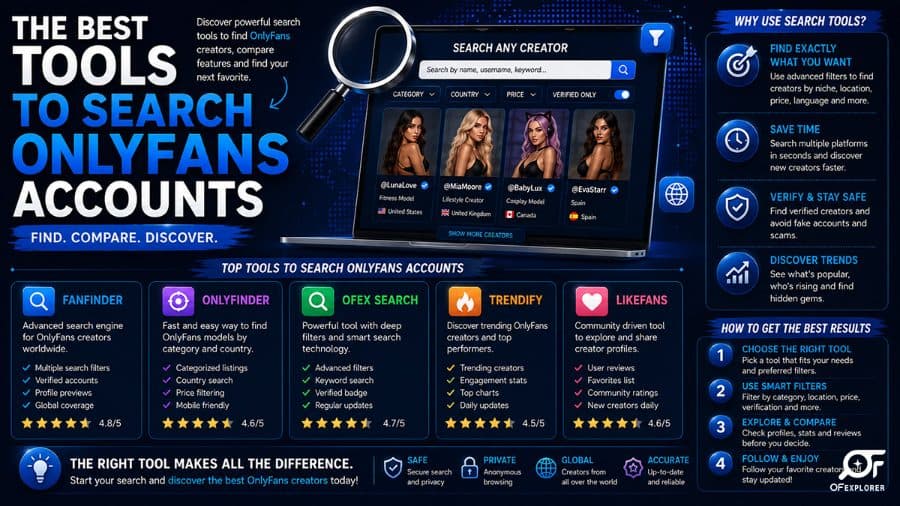
However, this intentional structural gap gave birth to a massive, highly sophisticated external search ecosystem. Leading this sector is OnlyFinder, alongside specialized analytics aggregators like FansMetrics, Hubite, and FindMyOF. Below is the definitive guide on how these third-party search engines operate, how to utilize advanced search operators, and how to locate authentic creators in seconds.
How OnlyFans Search Engines Work Behind the Scenes
Before examining individual search tools, it is essential to understand the technical architecture enabling platforms like OnlyFinder to index millions of profiles:
- Public Metadata Scraping: While individual photos and videos uploaded to a creator feed are locked behind paywalls, profile metadata—including display names, usernames, biographical descriptions, avatars, header banners, and pricing structures—is publicly exposed to HTTP web crawlers.
- Automated Social Footprint Crawling: Search engines continuously monitor high-volume social networks including X (Twitter), Reddit, Instagram, and TikTok. Whenever a creator shares an
onlyfans.com/destination link or bio bridge (such as Linktree or Beacons), crawlers index the association and parse the accompanying social hashtags. - Geocoding and Natural Language Processing (NLP): Third-party indexing engines analyze creator bios for city mentions, regional terminology, and country flags. Advanced NLP models extract location entities (e.g., "Miami model," "London personal trainer"), mapping profiles to precise geographic coordinates.
1. OnlyFinder: The Industry Standard for Profile Discovery
Universally recognized as the premier OnlyFans finder, OnlyFinder operates essentially as a specialized Google crawler dedicated exclusively to subscription creator profiles.
Key Features of OnlyFinder:
- Keyword and Biography Search: Query specific physical attributes, cosplay character themes, creative hobbies, or artistic styles directly against millions of scraped creator bios.
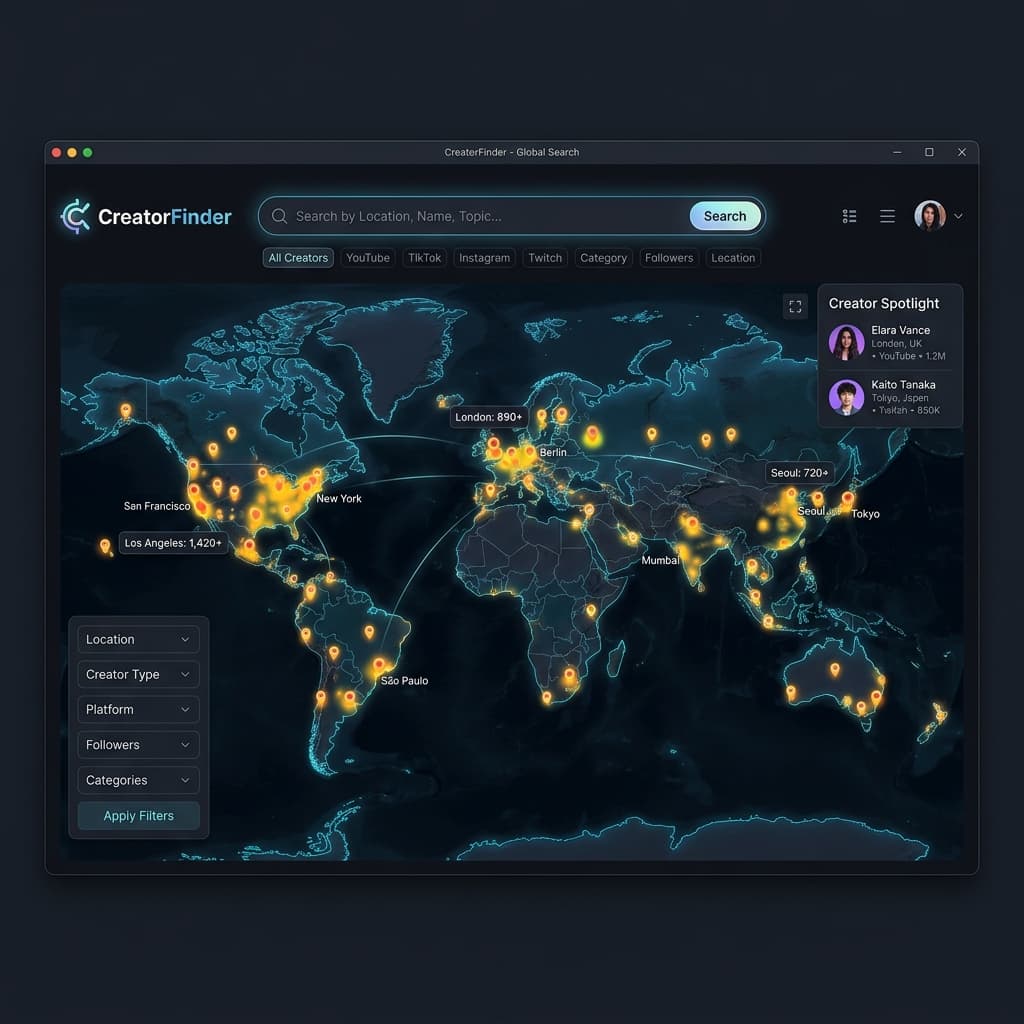
- Interactive Geographic Map Tool: Utilize a visual world map interface to scan specific cities, states, or countries. By typing a postal code or metropolitan area, the platform returns creators who have tagged that jurisdiction in their linked social profiles.
- Cross-Platform Social Handle Matching: If you know an influencer’s Instagram, TikTok, or Twitter handle, typing it into OnlyFinder frequently reveals their corresponding OnlyFans profile even if their account names differ slightly.
Advanced OnlyFinder Syntax and Operators
Similar to Google power searching, OnlyFinder supports specialized syntax to refine query precision:
location:"Los Angeles": Filters profiles geographically tagged in the Los Angeles metropolitan region.price:free: Returns creators who offer a $0 free subscription tier.price:under10: Isolates accounts charging less than $10 per month.keyword + "cosplay": Ensures search results include creators explicitly referencing cosplay in their profile text.
2. FansMetrics: The Quantitative Analytics Engine
While OnlyFinder focuses primarily on directory discovery, FansMetrics caters to data analysts, agencies, and prospective subscribers seeking performance metrics.
Core Analytics Offered by FansMetrics:
- Global Creator Leaderboards: Ranks accounts across the platform based on estimated subscriber volumes, likes, and media counts.
- Historical Growth Trajectories: Graphs creator subscriber momentum over time, helping users identify trending breakout creators versus inactive accounts.
- Pricing and Promotion Trackers: Monitors introductory discounts, bundle sales, and historical subscription price adjustments across millions of profiles.
3. Alternative Discovery Tools: Hubite and FindMyOF
Beyond OnlyFinder and FansMetrics, several specialized aggregators offer unique search capabilities:
Hubite
Hubite combines creator search with a community review ecosystem. Users can read subscriber reviews, evaluate creator responsiveness ratings, and check whether a creator relies heavily on locked pay-per-view messages or provides an all-inclusive subscription experience.
FindMyOF
FindMyOF specializes in rapid username matching. If an influencer changes their display name or operates multiple secondary accounts across different platforms, FindMyOF cross-references digital identities to locate the active primary page.
4. Reverse Image Search: Finding Creators from Photos
Often, internet users encounter a photo of a creator on Instagram, Reddit, or Pinterest without a caption or attribution handle. Finding that creator's official OnlyFans profile requires visual reverse lookup tools:
Google Lens
The most accessible starting point. Uploading a screenshot into Google Lens scans billions of indexed web images, frequently matching the image to the creator's public Instagram, X feed, or promotional Reddit submission.
Specialized Facial Recognition Engines (PimEyes & FaceCheck.ID)
For complex queries where photos have been cropped or altered, specialized facial recognition search engines offer extraordinary accuracy. These platforms analyze facial geometry, searching across millions of adult entertainment, modeling, and social media sites to identify public profiles matching the subject.
Ethical & Safety Note: Use facial recognition search tools responsibly and respect creator privacy. Avoid doxxing or attempting to uncover private real-world personal information of creators who operate under creative pseudonyms.
Discovery Tools Comparison Matrix
| Search Tool | Primary Function | Geographic Map Filter | Free Account Filter | Review / Rating System | Best Use Case |
|---|---|---|---|---|---|
| OnlyFinder | Comprehensive Discovery | Yes (Visual Map) | Yes | No | Locating local creators & niche keywords |
| FansMetrics | Analytical Leaderboards | Yes (By Country) | Yes | No | Identifying top-earning & trending profiles |
| Hubite | Community Reviews | No | Yes | Yes (Fan Reviews) | Vetting account quality before subscribing |
| FindMyOF | Username Cross-Matching | No | No | No | Tracking down influencers with known handles |
| Google Advanced | Boolean Domain Search | Limited (Text matching) | Yes (Boolean) | No | Exact keyword and quote matching |
Privacy and Opt-Out Protocols for Creators
While third-party search engines offer valuable discovery for fans, many creators prefer not to have their public profiles indexed on external aggregation databases due to personal privacy or safety concerns.
If you are an active creator seeking to remove your profile from OnlyFinder, FansMetrics, or Hubite:
- Locate Platform Opt-Out Pages: Reputable directories maintain dedicated DMCA / Removal request pages in their website footers.
- Submit Verification Proof: You must submit your official profile URL alongside proof of ownership (such as sending a verification direct message from your authenticated account or confirming via linked social media).
- Update Profile Meta Tags: Removing specific geographic locations or real-world names from your public OnlyFans bio reduces the likelihood of automated crawlers associating your profile with local search results.
Frequently Asked Questions (FAQ)
Is OnlyFinder an official part of OnlyFans?
No. OnlyFinder is an independent third-party directory developed by external software engineers. It is not affiliated, endorsed, or operated by OnlyFans or its parent company Fenix International Ltd.
Are OnlyFans search engines free to use?
Yes. Major discovery platforms like OnlyFinder and FindMyOF offer free public access to search their basic creator directories. Some platforms offer optional premium accounts for agencies seeking deep historical analytics and high-volume data exports.
Can OnlyFinder show locked photos or videos?
No. Legitimate search engines index only public metadata (biographies, avatars, header photos, and pricing tiers). They do not possess the ability to bypass paywalls, decrypt locked media, or view private creator feeds.
How accurate is the OnlyFinder location map?
Location data on OnlyFinder is estimated based on self-reported creator bios, public social media location tags, and regional hashtags. While highly accurate for creators who explicitly tag their city or metropolitan area, it is not real-time GPS tracking and cannot locate creators who omit location data.
How do I find an OnlyFans account by phone number or email?
OnlyFans does not provide public phone number or email lookup capabilities for security and privacy compliance. Third-party search engines cannot search by private contact details. Account discovery relies strictly on usernames, public social links, and biographical keywords.