
Faceless OnlyFans: The Ultimate Blueprint to Earning Anonymously in 2026

Leo Vance
Published: Aug 21, 2026 • 9 min read
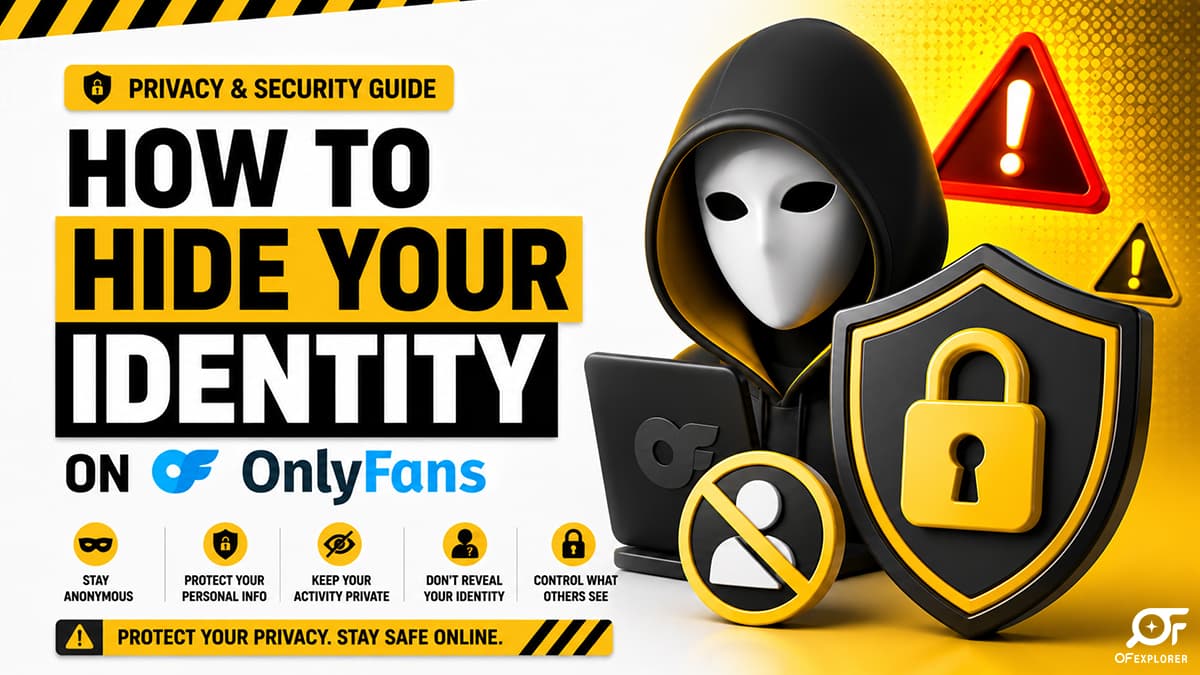
For aspiring digital entrepreneurs, entering the creator economy often collides with a terrifying fear: what if my family, employer, or colleagues discover my account?
Whether you hold a professional corporate position, work in education, or simply value your personal privacy, the perceived requirement to show your face has prevented thousands of potential creators from claiming their share of the multi-billion-dollar creator economy.
Here is the liberating truth: you do not need to show your face to build a six-figure subscription business.
In fact, some of the highest-earning independent models operating across North America and Europe run strictly anonymous, faceless OnlyFans accounts. By leaning into mystery, artistic aesthetic framing, and rigorous digital operational security (OPSEC), anonymous creators frequently out-earn conventional creators while sleeping peacefully knowing their real-world identity is bulletproof.
If you are preparing to launch, study this comprehensive, battle-tested blueprint to running a fully protected, lucrative anonymous enterprise.
The Legal and Financial Foundation: Separating Identity from Persona
To operate anonymously, you must understand how OnlyFans handles identity verification versus public display.
Under international financial compliance mandates (including anti-money laundering and Know Your Customer / KYC regulations), you cannot open an OnlyFans account under a fake name. To receive direct deposit payouts, you must submit an authentic government-issued photo ID (passport, driver's license) and link a verified bank account.
However, there is a complete wall of separation between your internal verification records and your public-facing creator profile:
- Subscribers Never See Your Legal Name: Your fans only see your chosen display name and handle (e.g.,
@MidnightMystery). Your legal identity, real address, and banking data are strictly encrypted and never visible to the public. - 1099 / Tax Separation via Corporate Entities: In jurisdictions like the United States, you can register an anonymous Limited Liability Company (LLC) in states like Delaware, Wyoming, or New Mexico that do not list member names in public registries. You can then obtain an Employer Identification Number (EIN) from the IRS and link the corporate entity to your creator payout profile, ensuring your personal name is absent from commercial records.
For complete transparency regarding platform data protocols, review our investigative report on what data OnlyFans collects.
Technical OPSEC: Scrubbing Your Digital Footprint
Running a truly anonymous business requires strict adherence to technical hygiene. Most "accidental leaks" do not happen through platform hacks; they happen through creator carelessness on external devices.
1. Dedicated Hardware Isolation
Never shoot or manage creator content on the same mobile device you use for your personal life, family texting, and primary social media. Purchase a dedicated "burner" smartphone (used strictly on Wi-Fi without a personal SIM card attached) exclusively for content capture, editing, and platform messaging.
2. EXIF Metadata Scrubbing
When modern smartphones capture photos or videos, they automatically embed hidden Exchangeable Image File Format (EXIF) metadata into the file headers. This data includes the exact GPS latitude and longitude coordinates of where the photo was taken, camera serial numbers, and capture timestamps.
- Before uploading any file to OnlyFans or promotional social networks, run the media through an EXIF scrubbing utility or disable camera location tags entirely in your smartphone settings.
3. Audio Modulation and Physical Mark Concealment
- Distinctive Features: Birthmarks, surgical scars, and especially unique tattoos are forensic identifiers. If you possess identifiable tattoos, either cover them with waterproof theatrical makeup or edit them out during post-production.
- Background Geometry: Ensure your filming background contains zero recognizable outdoor landscapes, university diplomas, work badges, or unique regional furniture that could facilitate geo-guessing.
- Voice Modulation: If you produce audio notes or spoken video clips, use subtle pitch shifting or background ambient music if your natural speaking voice is widely recognized in your local professional community.
| OPSEC Layer | Primary Risk Prevented | Recommended Tool / Action |
|---|---|---|
| EXIF Data Scrubbing | Home address and GPS leakage | Disable camera location permissions; use Scrambler / ExifPurge |
| Geoblocking Shield | Local acquaintance discovery | Enable country/state IP blocking in OnlyFans Security settings |
| Burner Communication | Contact syncing and auto-discovery | Dedicated ProtonMail email; unlinked VoIP numbers (Google Voice) |
| Physical Camouflage | Image recognition & tattoo matching | Theatrical Dermablend makeup; masquerade masks; collarbone-down crop |
Geoblocking: Your Primary Perimeter Defense
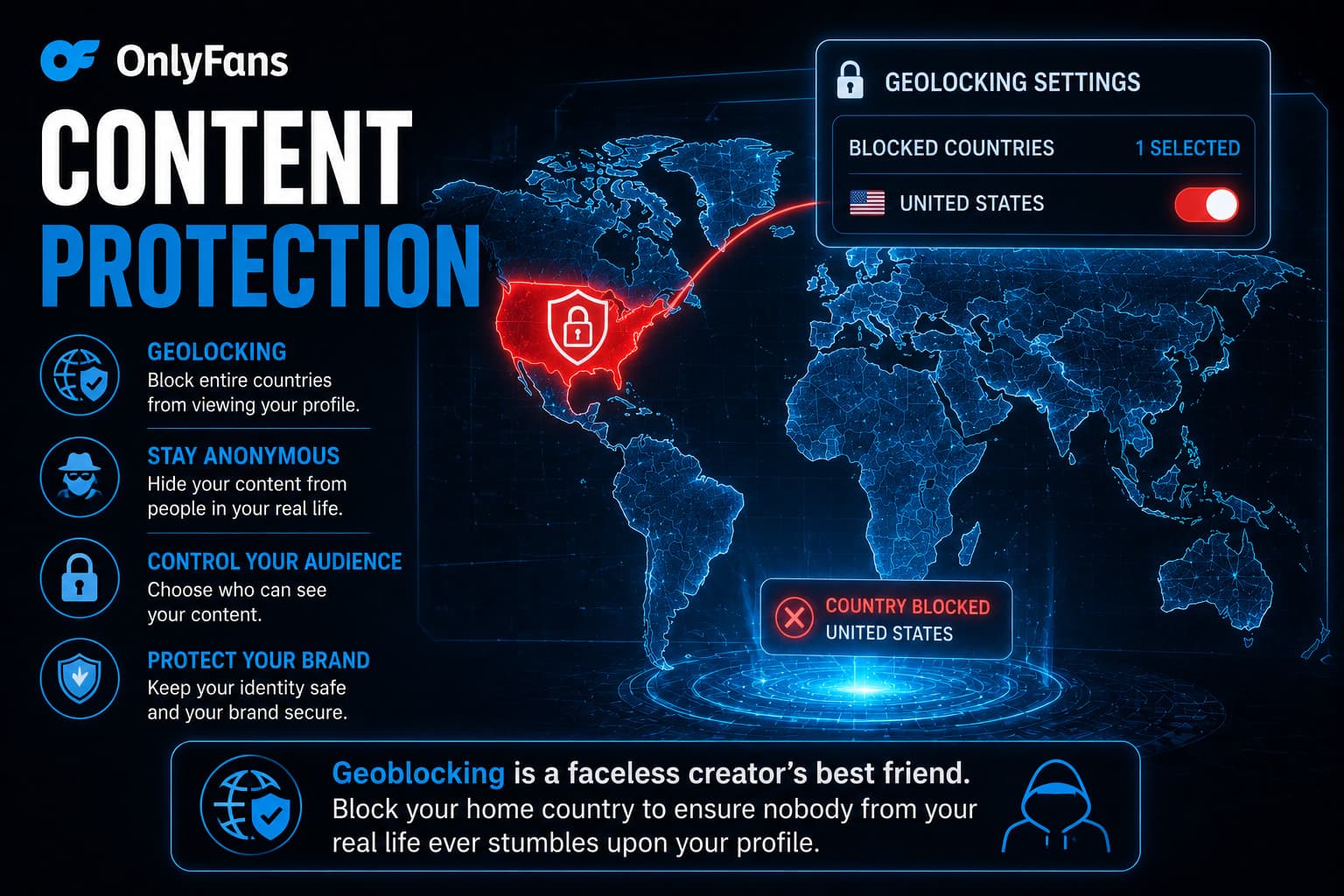
The most powerful built-in tool for faceless creators is OnlyFans' native Geoblocking feature.
Located under Settings > Privacy and Safety > Security, Geoblocking allows creators to prevent entire countries, states, or specific IP ranges from ever loading their profile.
- Block Your Home Region: Block your home state or province, as well as adjacent regions where your extended family, coworkers, or college peers reside.
- What Blocked Users See: If someone residing within your blocked zone attempts to navigate to your profile link, the server returns a generic "Page Not Found (404)" error code. To them, your profile simply does not exist on the web.
Creative Aesthetics: How to Build Intimacy Without a Face
The number one objection beginners voice regarding faceless accounts is: "Won't fans lose interest if they can't see my facial expressions?"
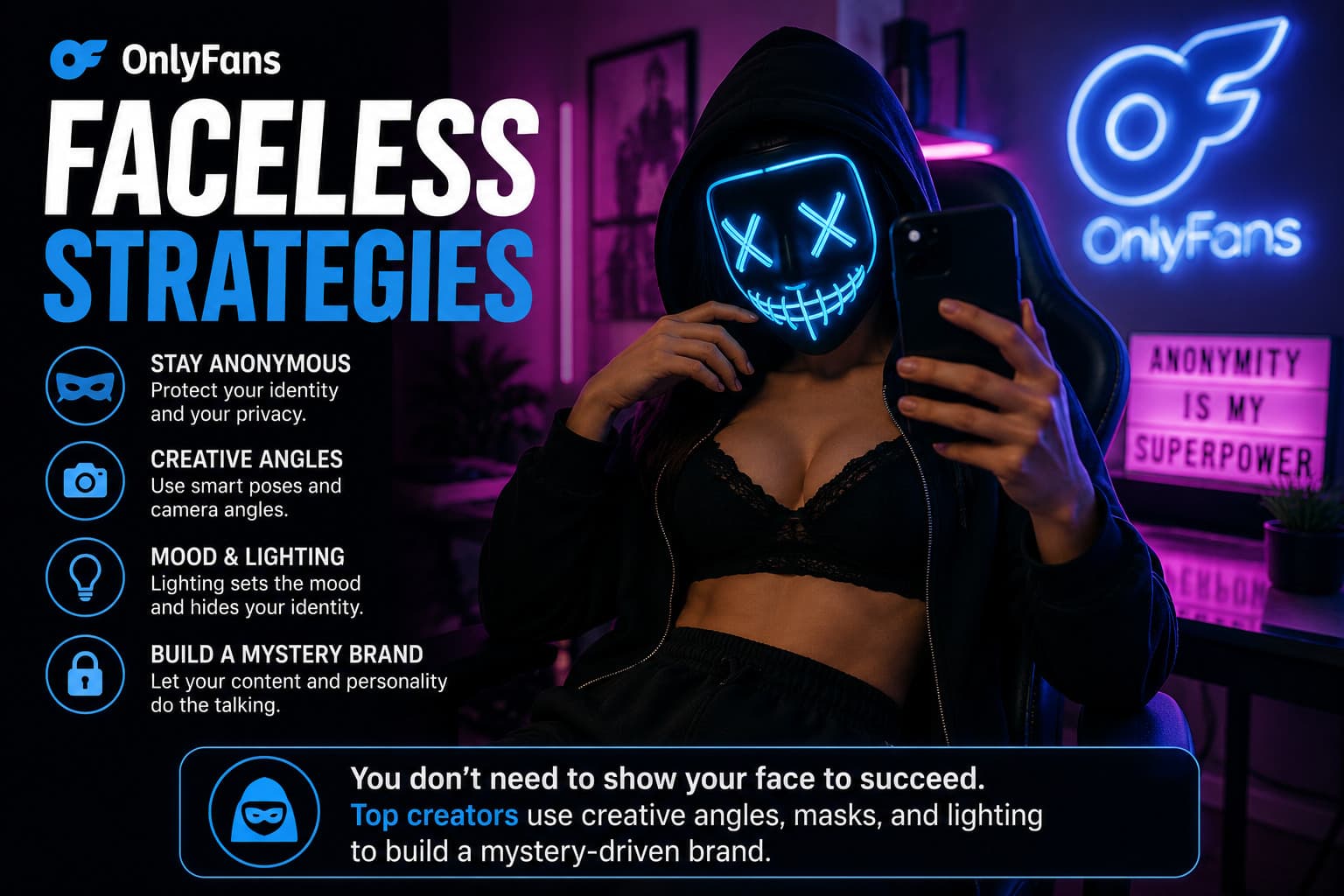
Successful creators prove that the opposite is often true: mystery is an extraordinary marketing asset. When executed with intentional aesthetic standards, a faceless brand invites subscribers to project their ultimate fantasies onto the creator.
- The Signature Aesthetic: Adopt a recurring, recognizable visual motif. This could be high-end Venetian lace masks, silk blindfolds, neon-drenched cyberpunk lighting, or minimalist neck-down silhouettes. Consistency signals luxury and professionalism.
- Focus on Sensory Audio: Intimacy is conveyed far more powerfully through audio than visual expressions alone. Sending unscripted, warm whispered voice notes or conversational morning check-ins in direct messages creates intense parasocial loyalty that keeps subscribers renewing their subscriptions month after month.
- Compelling Written Narrative: Share vulnerable, engaging diary-style captions. Discuss your daily moods, creative inspirations, travel dreams, and fitness goals. Fans fall in love with personality, intellect, and emotional responsiveness.
Anonymous Promotional Funnels: Driving Traffic Safely
Because faceless creators cannot rely on personal selfie viral trends on mainstream platforms, customer acquisition funnels must be engineered around niche aesthetic communities:
- Specialized Subreddits: Reddit is the premier traffic engine for faceless models. Hundreds of active communities specifically celebrate headless photography, aesthetic physique modeling, cosplay costumes, and lingerie aesthetics. Review our complete manual on how to promote OnlyFans on Reddit.
- Faceless TikTok & Reels: Produce humorous, aesthetic, or athletic short-form videos where the camera is framed from the collarbone down or the face is shielded by a baseball cap and sunglasses. Direct viewers to a clean link aggregator that does not reveal your real name.
- Twitter / X Visual Drops: Share high-resolution crop teasers, engage in creator retweet groups, and maintain a dedicated creator persona completely decoupled from your real-world contacts.
To ensure you launch your business with bulletproof fundamentals, follow our step-by-step walkthrough on how to start an OnlyFans account and review the biggest creator mistakes to avoid before uploading your first piece of media.
Frequently Asked Questions
Can you really make good money on OnlyFans without showing your face?
Yes. Many anonymous and faceless creators earn between $5,000 and $50,000+ monthly by focusing on high-definition aesthetic modeling, niche fetish communities, immersive audio storytelling, and dedicated direct message fan interaction.
Can OnlyFans subscribers see my real name or bank information?
No. Your real legal name, physical address, and banking details are encrypted and kept strictly confidential by OnlyFans for tax and payment compliance. Subscribers only ever see your chosen display name and handle.
How does geoblocking work on OnlyFans?
Geoblocking allows creators to block specific countries, states, or IP addresses from accessing their profile. Any user attempting to visit from a blocked location will receive a standard 'Page Not Found' error message.
Can friends find my OnlyFans through my phone number or contacts?
Not if you practice proper digital hygiene. Never register your OnlyFans or creator social media accounts using your personal phone number or primary email address. Always use a dedicated burner email (such as ProtonMail) and disable contact syncing across all apps.
What are the best props for faceless creators?
Top-performing faceless creators utilize luxury masquerade masks, silk sleep blindfolds, stylish sunglasses with wide-brim hats, creative neck-down cropping, and moody neon or backlit silhouette lighting.