
OnlyFans Requirements (2026): Everything You Need to Start

Leo Vance
Published: Aug 13, 2026 • 9 min read
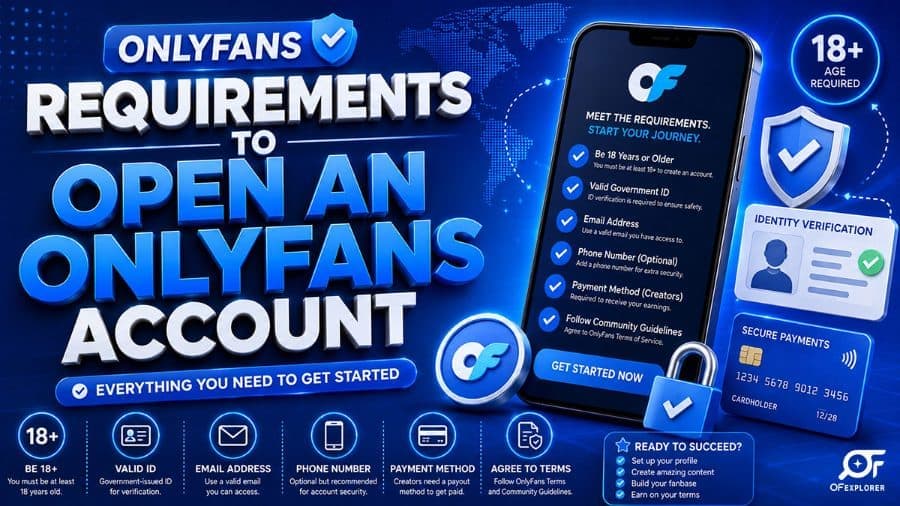
OnlyFans Requirements (2026): Everything You Need to Start
Deciding to monetize your personal brand, fitness routines, or creative media on subscription platforms is an exciting entrepreneurial step. However, while registering a casual fan account requires merely an email address, becoming an officially verified, payout-eligible creator requires satisfying strict regulatory, legal, and technological standards.
In 2026, OnlyFans operates under some of the most rigorous compliance oversight in the digital payments ecosystem. Because the platform processes billions of dollars annually through major global payment networks like Visa and Mastercard, the onlyfans requirements are strictly enforced. Failing to satisfy any single requirement will result in an immediate application denial or payout suspension.
If you want to avoid prolonged rejection delays and launch your creator business smoothly, you must understand the complete onboarding framework. Here is our authoritative, updated guide to every mandatory requirement needed to start an OnlyFans creator account in 2026.
The 4 Baseline Legal and Identification Requirements
Before considering marketing strategies or filming equipment, you must satisfy four foundational legal prerequisites:
1. The Absolute Age Mandate (18+ Without Exception)
OnlyFans enforces a zero-tolerance policy regarding age. Every creator, collaborator, and subscriber must be legally recognized as an adult in their country of residence, with a mandatory minimum age of 18 years old.
- The platform cross-references your date of birth across national identity databases and biometric age-estimation algorithms.
- Submitting falsified identification documents or applying if you are 17 years and 11 months old constitutes fraud and will result in permanent blacklisting of your identity, device serial numbers, and IP address.
2. Valid, Unexpired Government Photo Identification
OnlyFans requires high-resolution, unedited photographic proof of legal citizenship or residency.
- Accepted Documents: Valid National Passport, State Driver's License, Real ID, or National Identity Card.
- Strictly Prohibited: Expired documents, military IDs (due to legal encryption constraints), student identification cards, paper temporary driving permits, or digital scans displayed on a secondary screen.
3. Dedicated Business Email and Secure Authentication
While you can register using any standard email provider, professional digital security demands creating a separate, dedicated email address exclusively for your OnlyFans business.
- Never use a personal email address associated with your personal LinkedIn, family accounts, or private social profiles.
- Enable Two-Factor Authentication (2FA) immediately using an authenticator application (such as Google Authenticator or Microsoft Authenticator) rather than SMS authentication to safeguard against SIM-swapping attacks.
4. Direct Banking Integration with Matching Legal Names
To withdraw your creator earnings, you must link an active commercial or personal checking account.
- The Golden Matching Rule: The legal name registered on your OnlyFans creator application must identically match the account holder name on your bank account.
- OnlyFans does not permit routing creator payouts to a friend’s account, a relative's card, or anonymous payment cards. Any discrepancy between your KYC identity and your bank credentials will trigger an immediate payout freeze.
The Biometric Verification Workflow: Step-by-Step
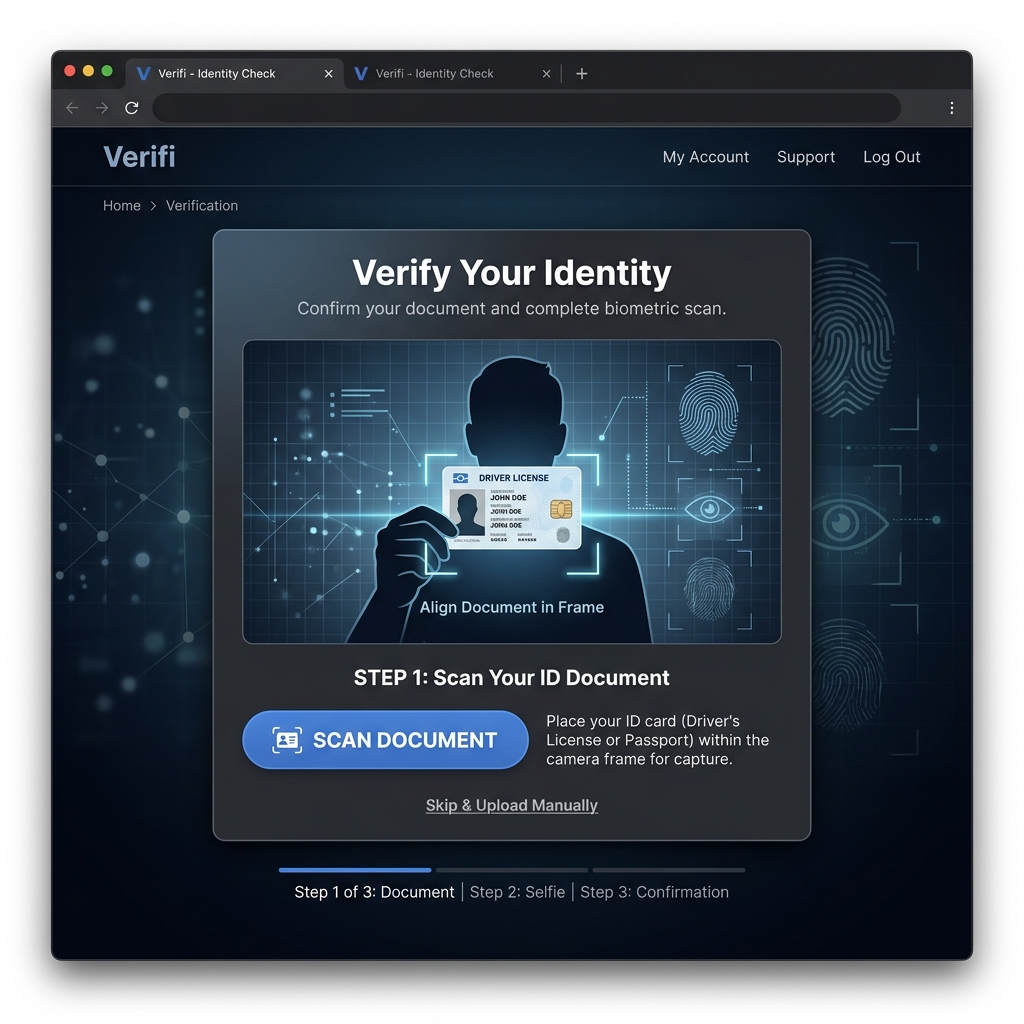
Once you submit your initial application, the platform routes your data through enterprise Know Your Customer (KYC) providers (such as Ondato or Sumsub):
- High-Resolution Document Capture: You must photograph both the front and back of your physical ID card under bright, natural daylight. All four corners of the card must be visible, and camera flash must be disabled to prevent reflective glare from obscuring security watermarks.
- The Biometric Live 3D Facial Scan: The verification software prompts you to hold your mobile camera at eye level and perform subtle head movements. The artificial intelligence neural network maps the 3D geometry of your face, comparing it mathematically to the printed photograph on your government ID.
- Social Footprint Validation: While not strictly mandatory in every jurisdiction, linking an active public social media account (such as X/Twitter or Instagram) significantly accelerates approval times. It provides compliance officers with secondary proof that you possess an authentic digital footprint matching your submitted likeness.
For step-by-step troubleshooting of common scanning errors, consult our dedicated tutorial on how to get verified on OnlyFans fast.
Tax Compliance & Reporting Requirements
Creator income is classified as taxable business revenue by financial authorities worldwide:
United States Creators (Form W-9 & 1099-NEC)
Before receiving their first payout, US creators must submit a completed electronic Form W-9 through the platform dashboard, providing their legal Social Security Number (SSN) or Employer Identification Number (EIN).
- OnlyFans automatically files Form 1099-NEC with the Internal Revenue Service (IRS) for all creators who cross federal annual reporting thresholds.
- Independent creators are responsible for calculating and paying self-employment taxes (Schedule C / SE) and federal quarterly estimated taxes.
International Creators (Form W-8BEN)
Creators operating outside the United States must complete Form W-8BEN (Certificate of Foreign Status of Beneficial Owner). This form establishes foreign tax residency, enabling creators in countries with bilateral tax treaties with the United States to prevent mandatory 30% US backup tax withholding on their earnings.
18 U.S.C. 2257 Record-Keeping and Collaboration Rules
If your creative content involves collaborative media featuring any secondary individual (including a spouse, romantic partner, or guest performer), federal regulations impose strict legal requirements:
- Mandatory Co-Creator Verification: Every individual appearing in photos, videos, or audio recordings must possess an active, verified OnlyFans creator account.
- Digital Tagging Protocol: Before publishing any collaborative post, you must tag the verified collaborator using the platform's native tagging feature.
- Prohibition of Untagged Third Parties: Uploading content featuring unverified or untagged individuals violates platform Terms of Service and will trigger immediate content removal and potential permanent account termination under federal child protection and consent statutes.
Technical & Hardware Minimums for High-Converting Content
Beyond legal paperwork, competing successfully in the 2026 creator economy requires baseline production equipment:
| Equipment Category | Minimum Entry Requirement | Recommended Professional Setup | Purpose |
|---|---|---|---|
| Camera & Video | Modern Smartphone (iPhone 13+ / Galaxy S22+) | 4K Mirrorless Camera (Sony ZV-E10 / Canon R50) | Ensures crisp 4K / 60fps video resolution |
| Lighting Setup | 18-inch LED Ring Light | Dual Softbox Kit + Bi-Color Key Light | Eliminates harsh shadows, enhances skin tones |
| Audio Hardware | Built-in Smartphone Mic | Wireless Lavalier Mic (DJI Mic / Rode Wireless) | Clear audio for vlogs, whispers, and voice notes |
| Data Storage | 256GB Local Phone Storage | 2TB+ External NVMe SSD + Cloud Backup | Secure vault for raw footage and batch shoots |
| Editing Software | Mobile Apps (CapCut / InShot) | Desktop Suites (DaVinci Resolve / Premiere Pro) | Professional color grading and audio leveling |
OnlyFans Acceptable Use Policy: Content Prohibitions
Operating on OnlyFans does not grant unrestricted freedom to post any material. The platform enforces an Acceptable Use Policy designed to maintain payment gateway compliance:
- Strictly Prohibited Material: Non-consensual content, hate speech, violence, weapons, public exhibitionism in unauthorized public spaces, and any depiction of underage individuals.
- Copyrighted Intellectual Property: You cannot play copyrighted mainstream music in the background of your workout videos or photoshoots without commercial licensing rights.
- Financial Compliance: Offering lottery raffles, unlicensed financial investments, or exchanging services outside of platform payment rails violates terms and leads to account suspension.
Complete Creator Onboarding Checklist
Use this structured roadmap before submitting your application:
- Confirm you are at least 18 years old with a valid, unexpired government photo ID.
- Set up a dedicated, private business email address and activate Two-Factor Authentication.
- Prepare a bank checking account registered under your exact legal name.
- Shoot a clear, well-lit avatar and design an informative header banner.
- Write a structured bio clearly detailing your content schedule and subscription value.
- Review your lighting environment to ensure zero glare during document scanning.
- Have your tax identification number (SSN/EIN or foreign tax ID) ready for electronic signing.
Frequently Asked Questions (FAQ)
How much does it cost to meet OnlyFans requirements and open an account?
Opening an OnlyFans creator account is 100% free. OnlyFans charges zero application fees, zero monthly hosting subscriptions, and zero setup charges. The platform monetizes exclusively by retaining a 20% commission on the gross earnings you generate once your page is active.
Can you create an OnlyFans account under a fake name?
Your public display name and username can be a creative stage pseudonym of your choosing to protect your personal privacy. However, your internal legal registration, identity verification, and banking documents must reflect your authentic legal name as it appears on your government identification.
What are the bank requirements for OnlyFans payouts?
You must link a standard checking bank account that accepts direct ACH transfers (in the US) or SEPA transfers (in Europe). The account must be registered in your exact legal name and support United States Dollar (USD) wire or clearing transfers.
Can you start OnlyFans without social media followers?
Yes. You can start an OnlyFans account with zero existing followers, but you will need to actively build external promotional funnels on platforms like Reddit, X, and Instagram. Because OnlyFans does not offer an internal discovery algorithm, new creators must drive 100% of their traffic from outside platforms.
Why do OnlyFans verification applications get rejected?
The most common reasons for rejection include reflective glare on the ID card, blurry photos, cropped document edges, an expired ID, a discrepancy between the legal name and bank account, or submitting a completely empty profile without an avatar or bio.