
How to Recover an OnlyFans Account (Step-by-Step 2026)

Leo Vance
Published: Aug 13, 2026 • 9 min read
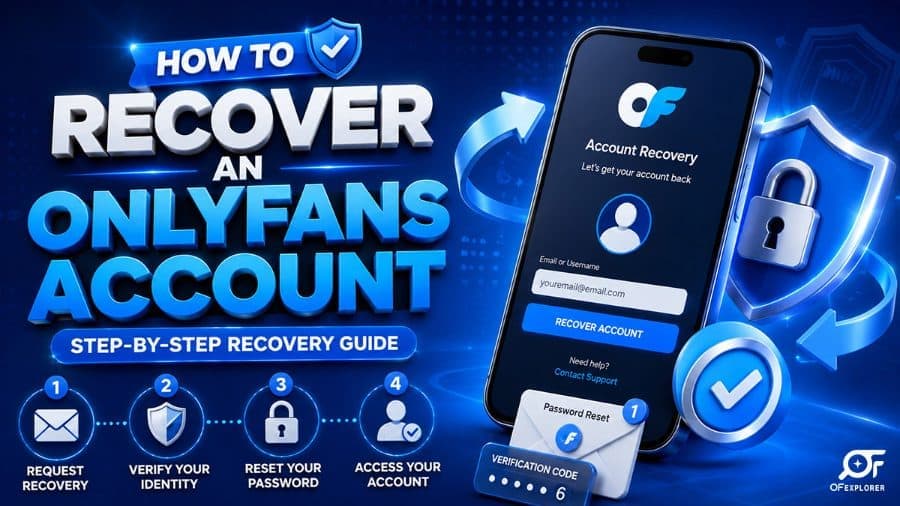
How to Recover an OnlyFans Account (Step-by-Step 2026)
Few digital experiences trigger as much immediate panic as attempting to log into your account and encountering an "Invalid Credentials," "Account Not Found," or "Your Account Has Been Suspended" error screen.
Whether you are an established creator relying on the platform for your primary monthly livelihood, or a dedicated subscriber with hundreds of dollars in active subscriptions and locked direct message purchases, losing account access is a critical operational emergency.
In the fast-moving digital creator economy, account lockouts stem from multiple distinct causes: forgotten passwords, credential-stuffing cyberattacks, compromised email addresses, lost two-factor authentication (2FA) devices, or automated terms of service enforcement.
If you are currently locked out and searching for how to recover an onlyfans account, take a deep breath and avoid hasty, dangerous shortcuts. Follow this authoritative, step-by-step 2026 recovery guide to systematically diagnose your lockout scenario, submit official compliance appeals, and secure your profile against future breaches.
Scenario 1: Standard Forgotten Password Recovery
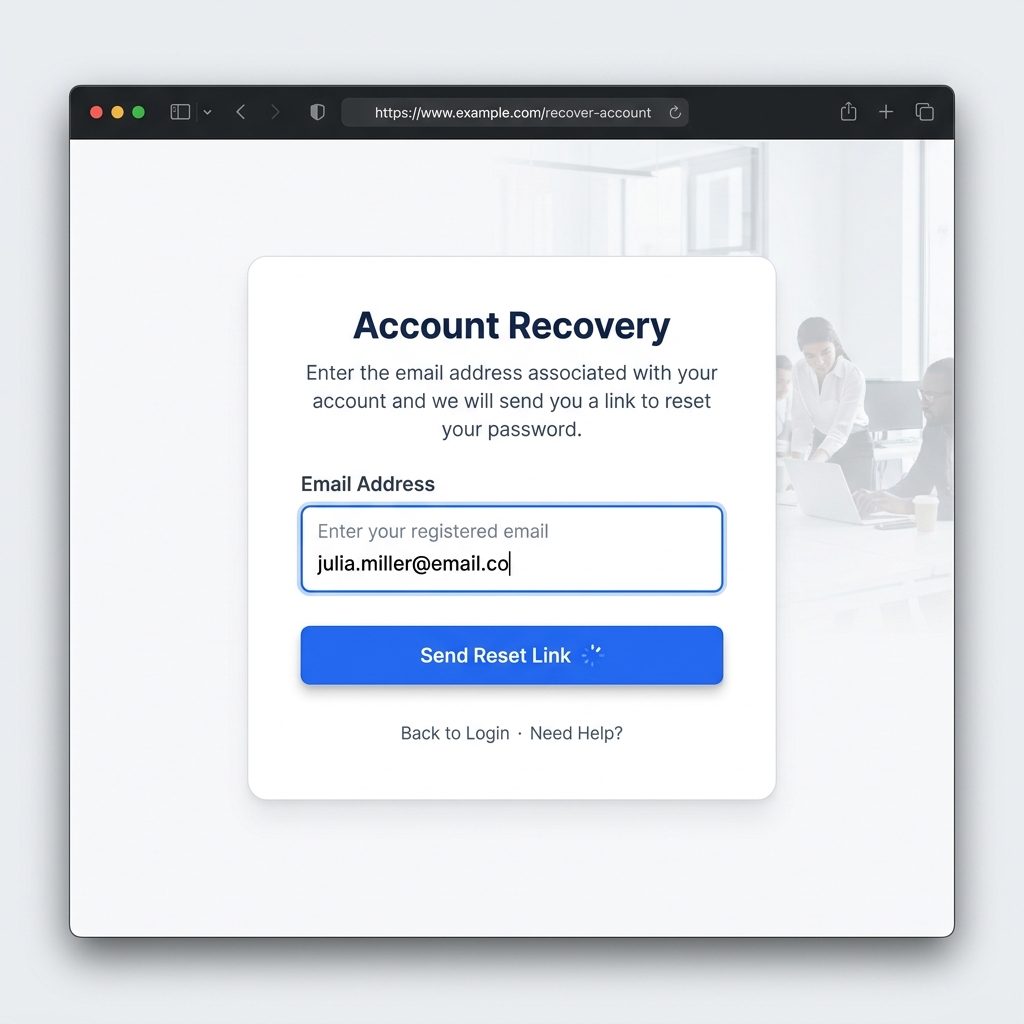
The simplest and most frequent lockout scenario occurs when you cannot remember your password or suspect your browser credentials are out of date. The automated password reset pipeline is reliable provided you still control your registered email address.
The Automated Reset Workflow
- Navigate directly to the official
onlyfans.comlogin page using an updated desktop or mobile browser. - Directly below the blue "Log In" button, click on the "Forgot Password?" hyperlink.
- Enter the exact email address originally associated with your OnlyFans profile.
- Open your email inbox and search for an automated message originating from
no-reply@onlyfans.com. If you do not see the message within 3 minutes, inspect your Spam, Junk, and Promotional filters. - Click the secure, time-sensitive verification link inside the email.
- Establish a robust, unique password containing at least 12 characters, including uppercase letters, numbers, and special symbols.
Single Sign-On (SSO) Troubleshooting
If you originally registered your OnlyFans profile using Twitter (X) or Google Single Sign-On, entering an email address into the standard password reset form may yield an error stating that no password exists for your profile. In this case:
- Return to the main login portal.
- Click the dedicated "Log In with Twitter" or "Log In with Google" authorization button.
- Ensure you are logged into the exact third-party account associated with your OnlyFans profile on the same browser session.
Scenario 2: Compromised or Hacked Account Remediation
If your password is not functioning and you are not receiving automated password reset emails, an unauthorized third party has likely breached your profile, modified your login password, and altered your registered primary email address.
This is a critical financial emergency, particularly if you have a creator payout balance pending or an active subscriber payment method attached.
The Emergency Support Ticket Protocol
- Act Immediately: Do not waste hours attempting to guess passwords. Navigate immediately to
onlyfans.com/contactsor dispatch an urgent email directly tosupport@onlyfans.com. - Select the Accurate Ticket Classification: Choose "Account Access / Compromised Account" as your primary issue category.
- Submit Full Forensic Details: In your opening message, clearly state:
- Your exact profile username (
@yourhandle) and original account URL (onlyfans.com/yourhandle). - The original registered email address used when creating the account.
- The approximate date and time you noticed access was terminated.
- Any unauthorized email change notification you received before access was cut off.
- Your exact profile username (
- Attach Unimpeachable Proof of Ownership:
- For Creators: Attach clear photographs of the exact government-issued photo ID (passport or driver's license) originally submitted during your Know Your Customer (KYC) biometric verification.
- For Subscribers: Provide the last 4 digits and expiration date of the credit card linked to the profile, alongside a screenshot of a recent bank statement charge displaying an official OnlyFans transaction descriptor.
- Request an Immediate Financial Freeze: Explicitly request that support place a temporary freeze on creator payout withdrawals or subscriber card billing while the Trust and Safety team completes its investigation.
The OnlyFans Trust & Safety team typically responds to verified security tickets within 12 to 24 hours. Once your identity is confirmed against internal KYC databases, support will restore your original email address and issue a secure master password reset token.
Scenario 3: Lost Two-Factor Authentication (2FA) Devices
Two-Factor Authentication provides essential security, but losing your mobile device or accidentally deleting your authenticator application can leave you locked out even with a valid password.
Recovering Access with Backup Codes
When you initially configured Two-Factor Authentication, OnlyFans generated a set of one-time emergency alphanumeric recovery codes:
- On the 2FA login verification prompt, click on "Try another way" or "Use backup code."
- Enter one of your unused emergency recovery codes.
- Once logged in, navigate immediately to Settings > Security > Two-Factor Authentication.
- Disable the old authenticator connection and scan a fresh QR code using your new smartphone or authenticator app.
Manual 2FA Reset via Support
If you failed to save your emergency backup codes, OnlyFans requires manual compliance identity verification before removing 2FA protections:
- Submit a ticket via
support@onlyfans.comrequesting a manual 2FA reset. - You must take a live verification photo holding your government photo ID alongside a handwritten paper note specifying: "OnlyFans 2FA Reset Request," your username, and the current date.
- Upon manual review, compliance staff will disable 2FA, allowing you to log in with your primary password and reconfigure authentication.
Scenario 4: Account Suspensions and Terms of Service Violations
If logging in triggers a screen stating that your account has been suspended, deactivated, or restricted, the platform moderation engine has flagged your profile for violating platform Terms of Service.
Common Drivers of Account Suspension:
- Financial Disputes & Chargebacks: If a subscriber issues a fraudulent chargeback through their credit card company, their account is instantly terminated. If a creator account experiences abnormal chargeback ratios, payouts and profiles are frozen pending manual compliance audits.
- Prohibited Content Violations: Posting content depicting weapons, non-consensual acts, public exhibitionism in unauthorized public locations, or copyrighted mainstream music.
- Unverified Co-Performer Collaboration: Uploading content featuring any other individual who has not completed official 18 U.S.C. 2257 creator verification and tagging.
- Suspicious Location Activity: Logging in through blacklisted proxy networks or accessing the platform from internationally sanctioned jurisdictions.
Submitting a Formal Suspension Appeal
If you believe your suspension was triggered in error by automated moderation algorithms:
- Compose a professional, objective appeal to
appeals@onlyfans.com. - Include your full legal name, account username, and registered email address.
- Request specific clarification regarding the policy cited in the suspension notice.
- Provide documented evidence refuting the violation (e.g., proof of co-performer consent forms, commercial music licensing certificates, or clarification of travel IP locations).
- Maintain a professional, courteous tone; aggressive or threatening communications will result in permanent appeal closure.
Beware the "Recovery Specialist" Social Media Scam
When users post about lost accounts on Twitter (X), Instagram, or Reddit, automated bot networks immediately reply with comments like: "Contact @CyberWizard on Instagram, he recovered my OnlyFans account in 10 minutes!"
These are 100% fraudulent advance-fee phishing scams.
- No external hacker, Instagram account, or third-party service has internal access to OnlyFans database servers.
- These scammers will demand upfront payments ($50 to $500) via crypto or peer-to-peer apps, request your personal credentials, and steal your money without restoring anything.
- Only official OnlyFans personnel operating through
onlyfans.comemail addresses can legally recover or unlock an account.
Comparison of Lockout Scenarios & Recovery Timelines
| Lockout Scenario | Primary Root Cause | Required Documentation | Average Recovery Time | Success Rate |
|---|---|---|---|---|
| Forgotten Password | Expired / Lost Credentials | Registered Email Access | Instant (1 - 3 Minutes) | 100% |
| Lost 2FA Device | Phone Loss / App Deletion | Emergency Backup Code or Live ID Selfie | 12 - 48 Hours | 95% |
| Hacked / Compromised | Phishing / Credential Stuffing | Government ID + Original Sign-Up Email | 24 - 72 Hours | 90% |
| ToS Suspension | Automated Moderation Flag | Written Legal Appeal + Compliance Evidence | 3 - 7 Business Days | 35% - 50% |
| Chargeback Ban | Payment Dispute / Bank Clawback | Bank Reconciliation Proof | 5 - 10 Business Days | Variable |
Permanent Account Security Hardening
Once you regain access to your profile, immediately implement comprehensive security safeguards:
- Activate Strong Two-Factor Authentication: Never rely solely on SMS codes. Use hardware-backed authenticator apps like Google Authenticator, Authy, or physical YubiKey hardware tokens.
- Store Offline Backup Codes: Print your 2FA emergency recovery codes and store them in a secure, physical location away from your workstation.
- Deploy Unique Email & Password Combinations: Never reuse passwords across social platforms. Use dedicated password managers (such as 1Password or Bitwarden) to generate 16+ character randomized passwords.
- Regular Session Audits: Routinely check Settings > Security > Active Sessions and terminate any unrecognized desktop or mobile sessions.
- Review Security Best Practices: Learn how to protect your digital footprint by reviewing our complete guide on OnlyFans Security Tips.
Frequently Asked Questions (FAQ)
Can OnlyFans support restore a permanently deleted account?
No. If an account is voluntarily deleted through the platform settings, OnlyFans permanently removes all profile media, message histories, and subscriber associations. While transactional and tax records are preserved for statutory accounting periods, deleted accounts cannot be reactivated. A new account must be created from scratch.
How long does OnlyFans support take to reply to recovery tickets?
Automated password resets occur within minutes. Manual support tickets submitted via support@onlyfans.com typically receive initial responses within 12 to 24 hours. Complex security investigations involving hacked accounts or payment disputes may require 48 to 72 hours for complete resolution.
Will I lose my subscribers and earnings if my account was hacked?
If you notify OnlyFans support promptly, their security team will place an immediate hold on account withdrawals to prevent the attacker from stealing your earnings. Once identity verification is re-established, your subscriber base, media vault, and pending balances will be fully restored.
Can third-party services on Instagram recover my OnlyFans account?
No. Any individual or profile claiming to be an independent "account recovery expert" or "ethical hacker" on Instagram, Telegram, or Twitter is running a scam. Only the official OnlyFans Trust and Safety team has access to platform authentication systems.
What should I do if my bank flagged an OnlyFans charge and locked my account?
Contact your financial institution or credit card issuer directly to confirm that the charge was authorized. Once your bank removes the fraud alert, contact OnlyFans billing support to update your payment method and reinstate your account standing.