
The Official OnlyFans App in 2026: PWA Installation, iOS/Android Workarounds, and Security Risks

Leo Vance
Published: Aug 16, 2026 • 8 min read
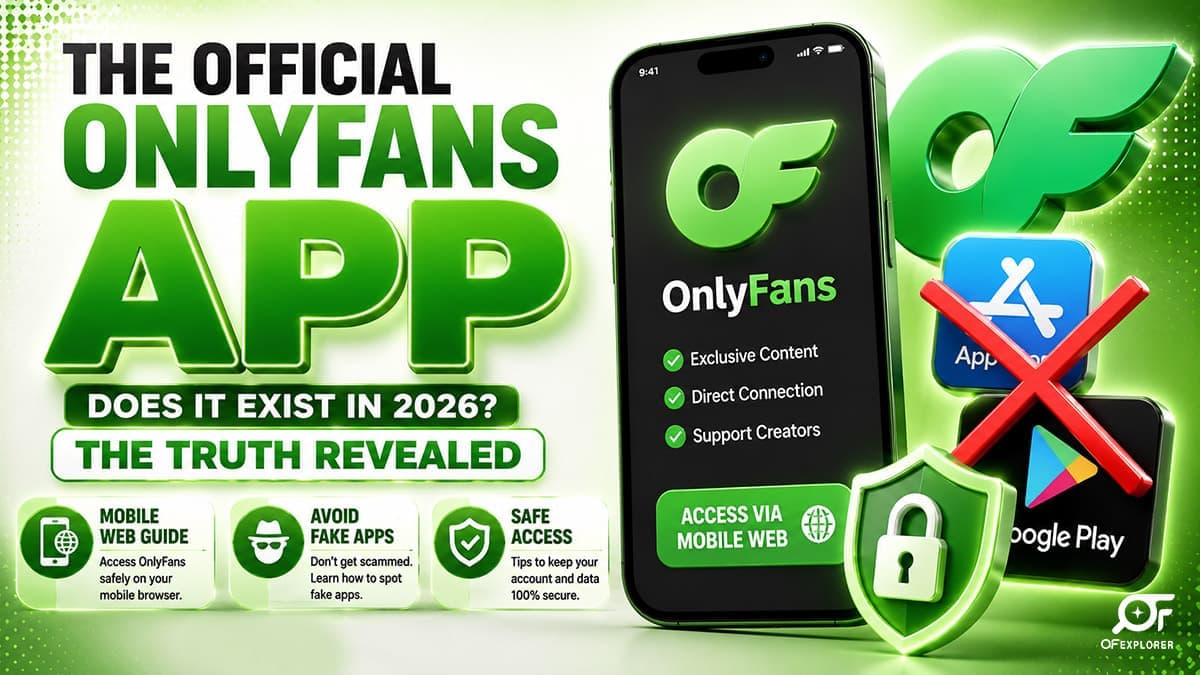
With more than 85% of all digital subscription browsing taking place on mobile devices, millions of users and creators each month ask the exact same question: is there an official OnlyFans app?
If you search the Apple App Store or Google Play Store today, you will encounter hundreds of third-party photo viewers, unofficial scanner utilities, and dating tools—but the authentic, primary OnlyFans subscription service is completely nowhere to be found.
This absence is not accidental, nor is it an oversight by platform developers. Instead, it is the direct outcome of strict corporate governance, mobile marketplace content restrictions, and high-stakes payment processing rules.
Understanding how to access the platform safely on your mobile phone is critical. Downloading fraudulent clone apps from unauthorized directories is the single leading vector for credential theft, malware infections, and unauthorized billing scams.
Here is everything you need to know about mobile access, installing the official Progressive Web App (PWA), and safeguarding your device.
Why There is No OnlyFans App in the App Store or Google Play
To understand why OnlyFans does not maintain a traditional native app in mainstream app marketplaces, you must examine the strict guidelines enforced by Apple and Google:
- Strict Anti-NSFW Content Policies: Both Apple's App Store Review Guidelines (Section 1.2 - User-Generated Content & Section 1.4 - Physical Harm/Adult Content) and Google Play's Developer Content Policies strictly prohibit apps that host, distribute, or facilitate user-generated sexually explicit material. Because OnlyFans permits adult content, any native app featuring the core service is immediately barred from inclusion.
- The 30% "Apple / Google Tax": In-app purchases (IAP) processed through native iOS or Android applications are subject to mandatory platform commissions ranging between 15% and 30%. Because OnlyFans already operates on a tight 20% platform fee, forfeiting an additional 30% to Apple or Google would make creator operations commercially non-viable.
- Payment Gateway Autonomy: Native app stores require transactions to flow through Apple Pay or Google In-App Billing, which explicitly disallow adult entertainment transactions. By remaining an independent web service, OnlyFans retains direct merchant processing relationships with Visa, Mastercard, and Discover.
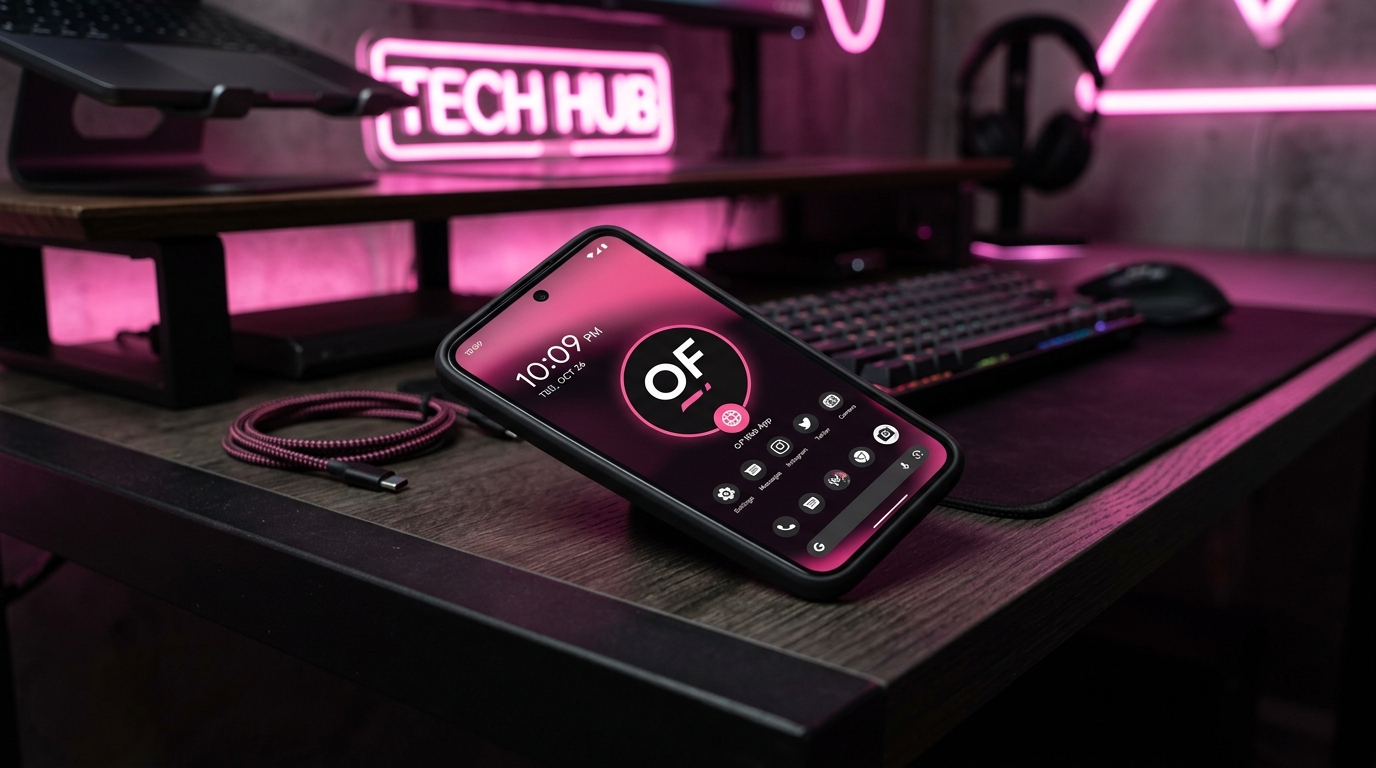
The Official Solution: Installing the Progressive Web App (PWA)
While a native store app does not exist, OnlyFans' development team engineered the website as a high-performance Progressive Web App (PWA).
A PWA is a modern web application designed to look, feel, and function identically to a native native app downloaded from an app store. When installed properly, the OnlyFans PWA adds an official icon to your device home screen, operates in full-screen mode without browser address bars, and supports local caching and hardware acceleration.
How to Install the OnlyFans PWA on iPhone (iOS)
- Launch Safari on your iPhone or iPad (Note: third-party iOS browsers like Chrome or Firefox do not support home screen PWA installation).
- Navigate to the official website:
https://onlyfans.com. - Log into your account.
- Tap the Share button located in the center of the bottom navigation bar (the square icon with an upward-pointing arrow).
- Scroll down the options list and select "Add to Home Screen".
- Confirm the title as "OnlyFans" and tap "Add" in the top-right corner.
- An official OnlyFans icon will appear on your iOS home screen. Tapping it opens the service in a dedicated, full-screen standalone window with Face ID authentication support.
How to Install the OnlyFans PWA on Android
- Launch Google Chrome on your Android smartphone or tablet.
- Navigate to
https://onlyfans.comand log into your account. - Tap the three vertical dots (menu) in the top-right corner of the browser window.
- Select "Install app" or "Add to Home screen".
- A confirmation prompt will appear—tap "Install".
- The device will automatically integrate the OnlyFans PWA into your Android app drawer and home screen, providing native launcher integration.
What is OFTV? The Legitimate App Store Exception
If you search the App Store, Google Play, Roku, Amazon Fire TV, or Apple TV, you may encounter an official app titled OFTV.
OFTV is indeed an authentic, corporate-owned application launched directly by OnlyFans' parent company, Fenix International Limited. However, OFTV is fundamentally different from the core subscription platform:
- Strictly Safe-For-Work (SFW): OFTV contains zero explicit or adult content. All material uploaded to OFTV adheres strictly to family-friendly broadcasting standards.
- Original Series and Podcasts: The app features original reality series, cooking walkthroughs, fitness workouts, and extended podcasts hosted by top platform creators.
- Completely Free: OFTV requires no subscription fee, no payment information, and features no paywalled pay-per-view options.
While OFTV is entertaining, it does not allow you to access private creator subscriptions, message models, or view paywalled content. For core platform activity, the mobile web PWA remains the exclusive vehicle.
| Platform / Method | Official Status | Adult / Exclusive Content | In-App Messaging | Device Security |
|---|---|---|---|---|
| PWA Web Shortcut | Official (Engineered by OF) | Yes (100% Full Access) | Yes (Full DM capabilities) | 100% Safe (Sandboxed in browser) |
| OFTV App | Official (Native app store) | No (Strictly SFW / Non-explicit) | No (Video streaming only) | 100% Safe (Store verified) |
| Desktop / Mobile Browser | Official (Primary portal) | Yes (100% Full Access) | Yes (Full DM capabilities) | 100% Safe (SSL encrypted) |
| Third-Party "Modded" APKs | Illegal & Fraudulent | Fake / Stolen previews | Disabled (Credential trap) | Extreme Danger (Trojan/Spyware) |
Extreme Cyber Alert: The Threat of Fake OnlyFans APKs
Because millions of users search for an Android app package file every month, cybercriminals actively distribute fraudulent files named "OnlyFans_Premium_Mod_APK.apk" or "OnlyFans_Free_Unlocker.apk".
Security audits conducted by cybersecurity firms confirm that these third-party APK downloads are weaponized malware designed to exploit unsuspecting consumers:
- Banking Trojans: Malicious code injects hidden background services that intercept SMS verification codes and siphon banking credentials during checkout sessions.
- Ransomware and Spyware: Rogue packages request elevated device permissions (such as camera, microphone, and contacts access), collecting private data for extortion schemes.
- Phishing Clones: Fake login screens capture your authentic OnlyFans username and password, instantly hijacking your account and harvesting attached credit card information.
As detailed in our investigative guide on OnlyFans security tips and common OnlyFans scams, you must never download third-party executable files claiming to bypass platform subscriptions. The only authentic portal is the official encrypted domain at https://onlyfans.com.
Optimizing the Mobile Creator Experience
For digital creators managing their enterprises on smartphones, operating via the PWA offers substantial workflow advantages:
- Real-Time Push Notifications: Enable web push notifications in your device settings to receive instant mobile alerts whenever a fan sends a direct message, tip, or subscription renewal.
- High-Speed Mobile Media Uploads: The mobile PWA directly integrates with your smartphone's native camera roll, allowing rapid upload of 4K video clips and high-resolution photo galleries.
- Two-Factor Authentication (2FA): Protect your creator dashboard on mobile by enabling authenticator app verification (such as Google Authenticator or Microsoft Authenticator) to prevent unauthorized access.
To ensure your account maintains bulletproof defenses while scaling, explore our guide on what data OnlyFans collects and our actionable checklist on recovering an OnlyFans account in case of security emergencies.
Frequently Asked Questions
Is there an official OnlyFans app on the Apple App Store or Google Play?
No. The core OnlyFans platform is not available as a native app in the Apple App Store or Google Play Store due to strict platform policies prohibiting user-generated adult content and in-app payment processing rules.
How do I get an OnlyFans app icon on my phone?
You can install the official Progressive Web App (PWA) by visiting onlyfans.com in Safari (iOS) or Chrome (Android), opening the browser menu, and selecting 'Add to Home Screen'. This places a standalone app icon on your device.
What is the OFTV app?
OFTV is a legitimate, free streaming app created by OnlyFans available on mobile app stores and smart TVs. It features original lifestyle, fitness, cooking, and podcast series hosted by creators, but contains zero explicit or paywalled content.
Are 'OnlyFans Mod APKs' or 'Free Premium Apps' safe?
No. All third-party APK downloads claiming to unlock free OnlyFans accounts or offer modded features are dangerous malware, spyware, or credential phishing scams that compromise your personal and financial security.
Does the OnlyFans mobile web app support push notifications?
Yes. When installed as a Progressive Web App (PWA) on modern iOS and Android operating systems, you can enable native web push notifications to receive real-time alerts for direct messages, tips, and renewals.