
How to Find OnlyFans Profiles by Country & Location: The 2026 Geographic Search Guide

Leo Vance
Published: Sep 4, 2026 •
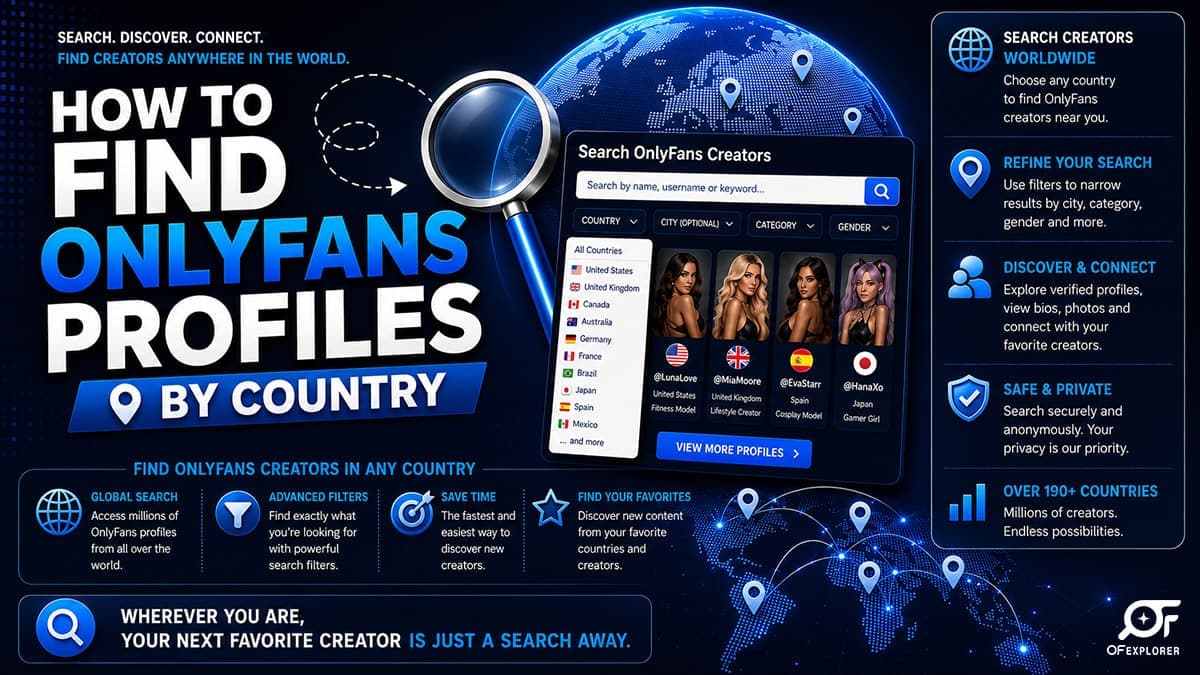
Whether you are seeking to support independent creators from your home city, connect with regional influencers whose cultural context you share, or explore creator communities while traveling abroad, the demand for OnlyFans creators near me has surged to all-time highs.
However, attempting to perform a geographic discovery query directly on OnlyFans presents an immediate obstacle: the native platform completely conceals location data.
There is no "Explore by City" filter, no regional leaderboard, and no interactive map on the official website. This deliberate structural choice is designed to protect creator privacy, mitigate real-world stalking risks, and allow models to manage their geographic exposure.
Yet despite these native limitations, an extensive ecosystem of external geographic tools, social media footprint mapping, and metadata search techniques makes local discovery entirely possible.
Below is the definitive, technical guide on how to perform an OnlyFans location search across any city, state, or country in 2026.
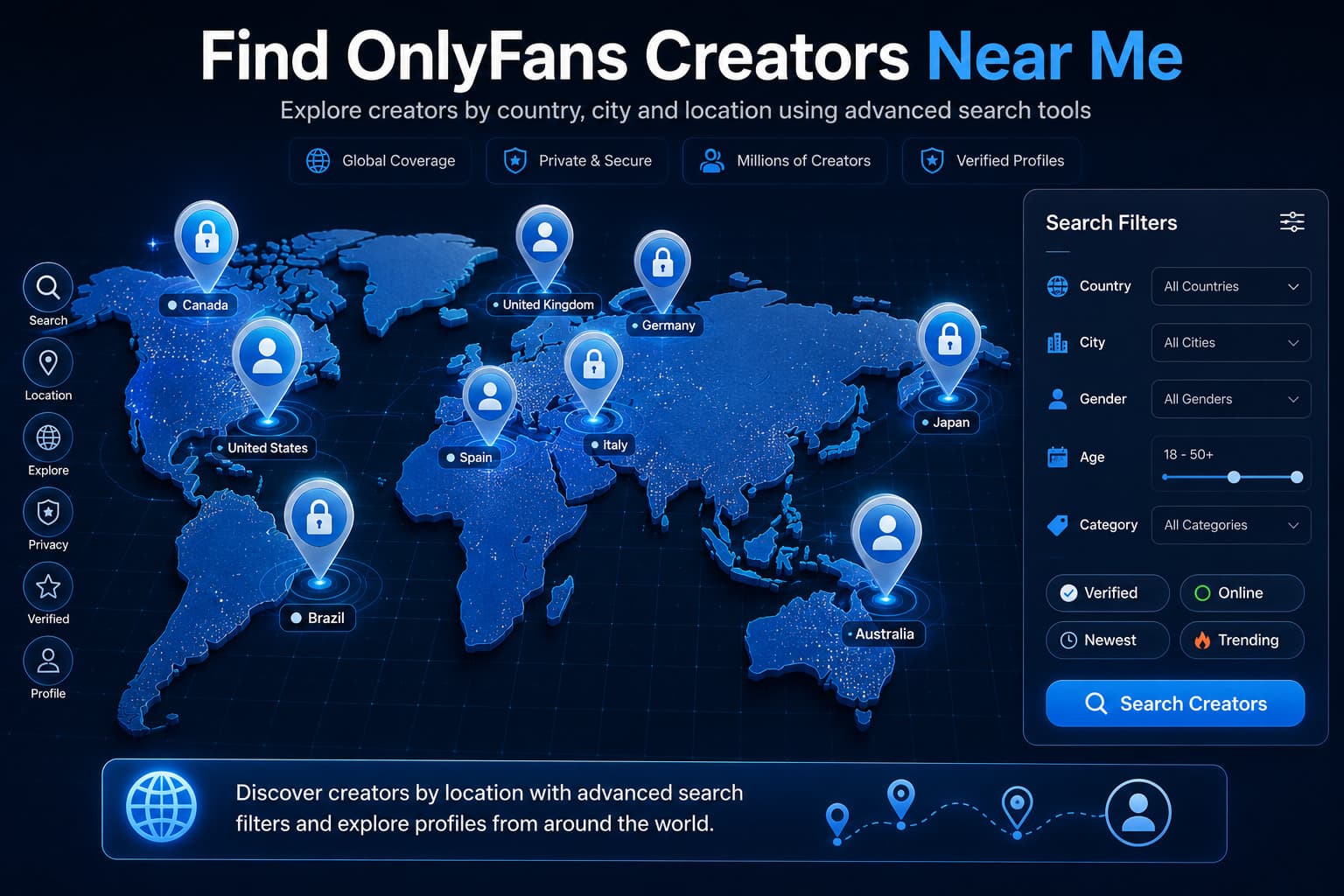
Why OnlyFans Hides Geographic Location Data
To navigate local discovery effectively, you must understand the safety and compliance framework governing geographic information on the platform:
- Creator Physical Safety & Stalking Prevention: Digital subscription creators frequently face intense parasocial scrutiny. If OnlyFans displayed city or regional badges by default, bad actors could easily triangulate a creator's neighborhood, gym, or residence.
- Regulatory Compliance: Privacy frameworks like the European Union's GDPR and California's CCPA mandate strict data minimization regarding precise geolocation coordinates unless explicitly authorized by the user.
- The Geoblocking Shield: The platform actively empowers creators to block specific cities, states, or entire countries (via the native OnlyFans block feature) to prevent acquaintances, family members, or local colleagues from accessing their accounts.
1. Utilizing Dedicated Third-Party Geographic Directories
Because the native website provides no regional tools, independent developers engineered external search aggregators that scrape and geocode public profile metadata.
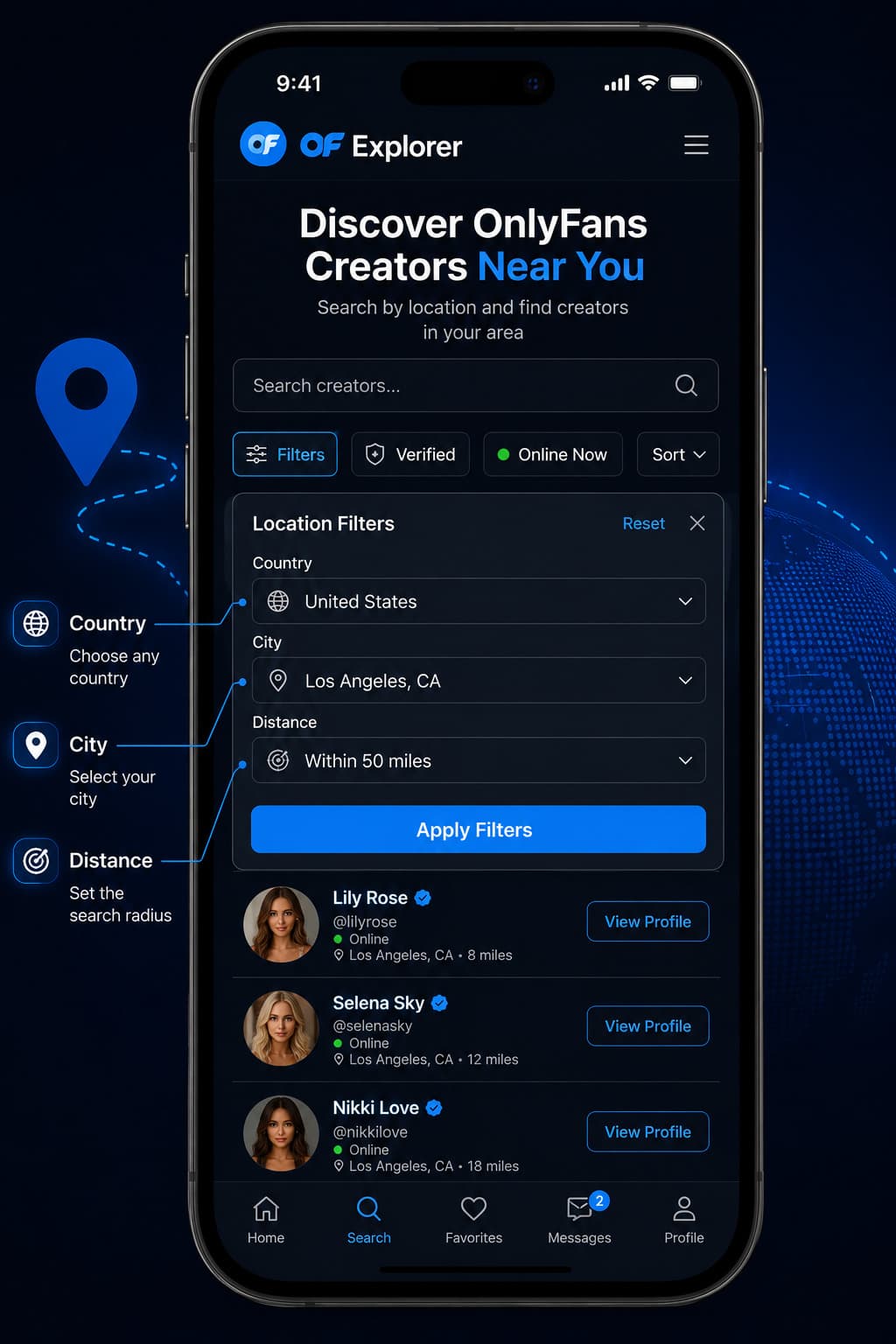
The Leading Geographic Search Tools:
- OnlyFinder: The gold standard for map-based discovery. OnlyFinder scans public creator bios for city names, regional landmarks, and linked social media profiles, plotting them onto an interactive global map. You can zoom into major metropolitan hubs (e.g., London, Los Angeles, Toronto, Sydney, Madrid) and see clusters of verified profiles. Explore our deep dive on OnlyFinder's search features.
- FansMetrics Location Index: Tracks geographic demographics across North America and Europe, allowing users to filter creator lists by country and state while comparing subscription pricing and media volume.
| Discovery Method | Accuracy Level | Search Speed | Best For |
|---|---|---|---|
| OnlyFinder Map Search | High (City & Metro Level) | Instant | Broad metropolitan scanning across major global cities |
| Social Geotag Tracking | Very High (Neighborhood Level) | Moderate | Pinpointing specific local influencers on Instagram & X |
| City-Specific Subreddits | High (Community Vetted) | Moderate | Discovering emerging local creators and independent models |
| Linktree Google Dorking | Extreme (Direct URL Match) | Fast | Verifying if a known local personality has a premium portal |
2. Tracking Social Media Geotags and Local Breadcrumbs
Most professional creators do not rely on OnlyFans for audience growth; they market their brands daily across mainstream social media networks where geographic discovery is ubiquitous.
By analyzing the digital breadcrumbs creators leave on external platforms, you can pinpoint local accounts with high precision:
Instagram & TikTok Location Tags
- Creators frequently tag high-end restaurants, boutique fitness gyms, luxury hotels, and beach clubs in their public stories and reels.
- By searching Instagram location tags for prominent nightlife or fitness venues in your city, you can identify local fitness models and influencers who maintain an authenticated link-in-bio hub (Linktree, Beacons) directing followers to an OnlyFans account.
X (Twitter) Advanced Search Syntax
X remains the premier communication hub for digital creators. You can execute location-filtered searches using X's native search operators:
onlyfans near:"Miami" within:15mi
onlyfans "London" filter:links
This syntax queries recent tweets containing the term "onlyfans" originating from mobile devices within a 15-mile radius of the specified city.
3. The Reddit Local Discovery Network
Reddit hosts thousands of hyper-local community directories specifically dedicated to regional creator promotion.
Many metropolitan areas maintain dedicated subreddits (e.g., r/OnlyFansNewYork, r/OnlyFansAustralia, r/OnlyFansUK) where local creators verify their identity with community moderators and post promotional media previews.
To discover local talent on Reddit:
- Navigate to Reddit and query:
OnlyFans [Your City / Region]. - Filter the community posts by "New" to identify currently active creators rather than abandoned profiles.
- Check the creator's pinned Reddit profile links to ensure they direct to an authentic, verified subscription page, avoiding bot reposters.
Navigating the Geoblocking Hurdle with a VPN
The biggest technical challenge when searching for local creators is Geoblocking.
Many creators intentionally block users residing in their own home city or state to preserve real-world privacy. If you attempt to visit their profile from a local internet service provider (ISP), the platform will return a generic "Page Not Found (404)" error message.
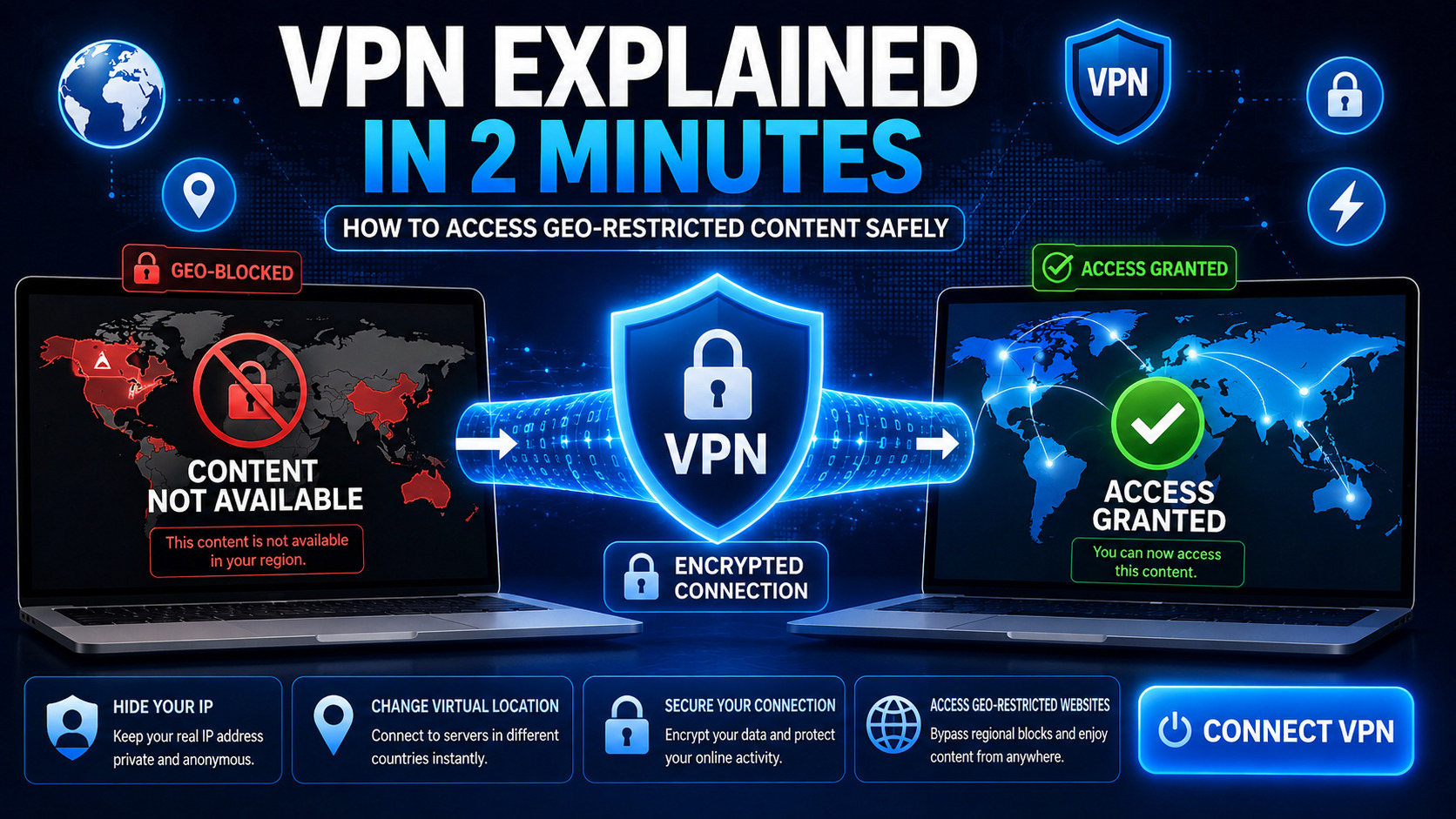
How to Bypass Regional Geoblocks:
- Deploy a Modern Virtual Private Network (VPN): Services like NordVPN, ExpressVPN, or Mullvad utilize high-speed protocols (such as WireGuard) to route your traffic through remote servers.
- Select an Alternative Server Location: If you are searching for a creator based in Dallas, Texas who has geoblocked the state of Texas, connect your VPN to a server in Chicago or Frankfurt. When you load the creator's URL, OnlyFans' servers observe the Chicago IP address and render the profile without restriction.
- Privacy Best Practice: Beyond bypassing regional blocks, using a VPN prevents local Wi-Fi network administrators (at workplaces, hotels, or universities) from logging your visits to subscription domains.
To ensure you are always following authentic artists and avoiding malicious bot pages, review our verified guide on how to find verified OnlyFans accounts: real vs fake and explore our curated directory of the best OnlyFans accounts to follow.
Frequently Asked Questions
Can you search for OnlyFans accounts by location on the official site?
No. The official OnlyFans website does not offer a geographic search filter, location directory, or map tool. Users must utilize third-party search engines like OnlyFinder or search social media geotags to discover local creators.
Why do some local creators' profiles show a 404 error when I click them?
If a creator's profile returns a 404 'Page Not Found' error when accessed from your home city, the creator has likely enabled OnlyFans' native Geoblocking feature to restrict users in their local state or country from viewing their account.
How does OnlyFinder know a creator's location?
OnlyFinder extracts location data from public profile biographies (city names, state flag emojis), linked social media profiles (geotagged Instagram or Twitter posts), and creator self-submissions to map accounts geographically.
Is it legal to use a VPN to view geoblocked OnlyFans profiles?
Yes. Utilizing a reputable VPN to protect your online privacy and browse web content is completely legal in the vast majority of international jurisdictions, provided the user is of legal age to view the content.
What is the most effective search query to find local creators on X (Twitter)?
Using X's location operator syntax, such as onlyfans near:"Chicago" within:25mi, is the most effective method to filter live tweets from creators promoting their links within a specific metropolitan radius.