
How to Find Verified OnlyFans Accounts: Real vs Fake Profiles in 2026

Leo Vance
Published: Aug 28, 2026 • 8 min read
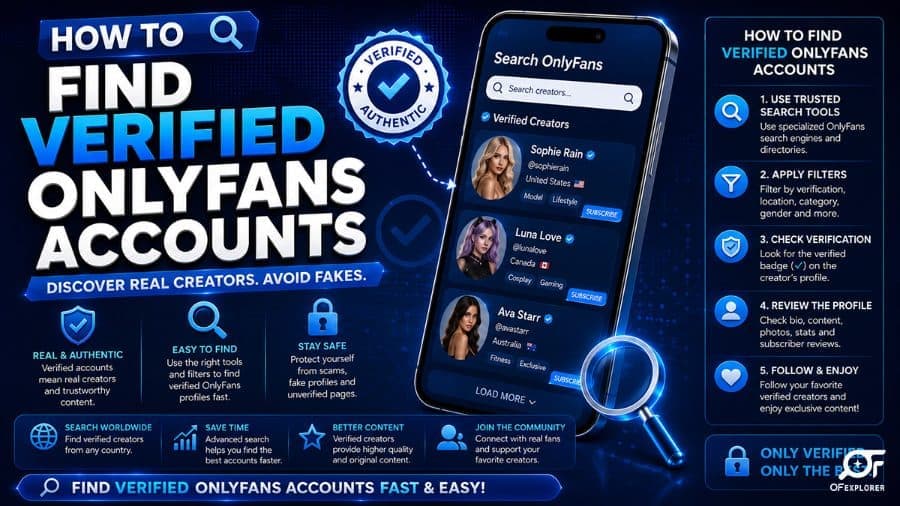
With millions of subscribers actively navigating the creator economy, the demand for authentic, high-quality digital connection has never been higher.
However, the rapid influx of consumer capital has created an aggressive shadow market of fake OnlyFans accounts, bot networks, and deceptive impersonator pages.
Every day, hundreds of unsuspecting fans spend hard-earned money subscribing to a profile they believe belongs to a famous fitness influencer, Instagram model, or celebrity, only to discover that the account is run by an anonymous offshore syndication group posting stolen low-resolution selfies.
Even worse, fraudulent pages frequently serve as top-of-funnel honeytraps for credit card phishing and malware distribution.
If you want to ensure your subscription fees support authentic, hardworking creators who personally interact with their communities, you must master the art of verification.
Below is your comprehensive, battle-tested guide on how to find verified OnlyFans accounts and distinguish genuine creators from sophisticated fakes.
Deconstructing the Anatomy of Fake Accounts
To protect your budget, you must first understand the three distinct categories of fraudulent profiles operating across the digital subscription space:
- Direct Impersonator Profiles (Catfishing): Rogue operators scrape publicly available photographs and videos from popular Instagram, TikTok, or Twitch influencers who do not operate an OnlyFans account. The scammer registers an account using a slightly modified variant of the influencer's username (e.g., adding an extra letter or underscore), charging an entry fee for recycled social media content.
- Agency-Operated Bot Farms: While the creator depicted on the account may be a real individual who signed an agreement, the day-to-day operations are run entirely by automated AI chatbots or low-wage third-party "chatter" agencies. Subscribers paying for "personal interaction" are actually messaging call-center operators reading aggressive pay-per-view upselling scripts.
- Cybersquatting & Placeholder Grabs: Speculators register handles of trending reality TV contestants, athletes, or rising pop stars in the hope of extorting money from the celebrity or duping casual fans into paying initial subscription fees before the account is reported and banned.
| Profile Indicator | Authentic Verified Creator | Fraudulent / Bot Impersonator Account |
|---|---|---|
| Social Media Cross-Reference | Link published on verified Instagram/X/TikTok | No external social links; or links to brand-new burner profiles |
| Verification Badge | Official Blue Checkmark issued by platform | No checkmark, or fake checkmark emoji pasted into display name |
| Media Resolution & Quality | 4K video, consistent studio lighting, original sets | Blurry 720p rips, visible watermarks cropped out, mismatched outfits |
| Direct Message Interaction | Contextual responses, unscripted voice notes | Instant generic automated scripts demanding $50 PPV unlocks |
1. Cross-Reference via Official Social Media Channels (The Golden Rule)
The single most reliable method to verify any creator is the reverse cross-referencing rule.
Never subscribe to an OnlyFans account discovered through a random Reddit thread, Twitter promotion bot, or unverified link aggregator without first verifying the link directly on the creator's primary, authenticated social media platforms.
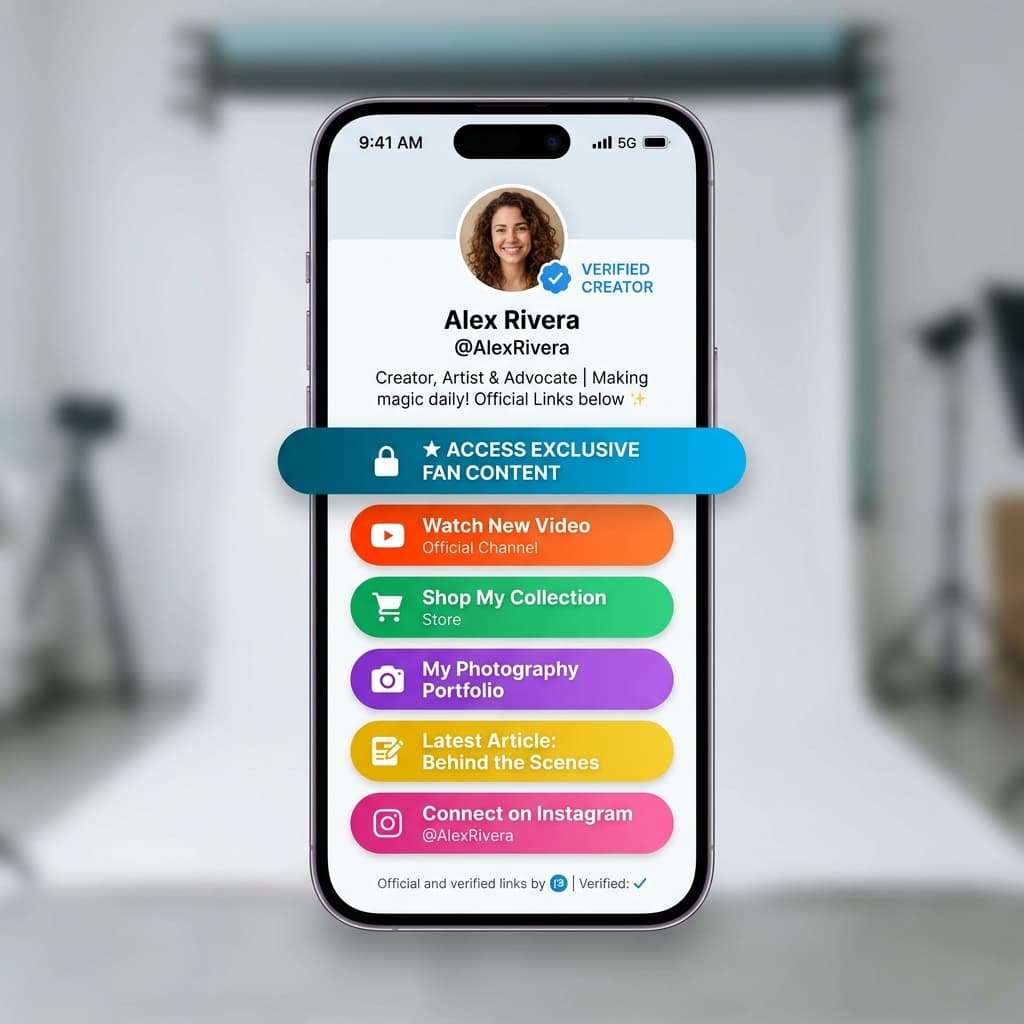
Verification Walkthrough:
- Locate the Creator's Primary Handle: Navigate to their official Instagram, TikTok, YouTube, or X (Twitter) profile. Look for verified checkmarks on those platforms.
- Inspect the Link Aggregator: Authentic creators place an authenticated link-in-bio hub (such as Linktree, Beacons, AllMyLinks, or a custom dot-com domain) in their profile biography.
- Trace the URL Path: Click the link-in-bio and inspect the destination URL. Ensure the domain matches
onlyfans.com/[exact-handle]. If a letter is swapped (for example,0nlyfansor an extra consonant), it is an impersonator clone.
If an influencer with millions of social media followers has zero mentions of an OnlyFans link across all their public profiles, any account claiming to be their "secret OnlyFans" is guaranteed to be a fraudulent scam.
2. Decode the Platform Verification Checkmark
OnlyFans requires all creators to pass rigorous Know Your Customer (KYC) identity verification before they can publish media or withdraw earnings. Creators must submit government-issued passports or driver's licenses alongside real-time biometric facial scans.
When an account is officially authenticated and recognized by platform compliance as a notable or verified public figure, OnlyFans applies a blue verification checkmark next to their profile name.
Beware of the "Emoji Checkmark" Trick
Scammers frequently attempt to deceive casual users by pasting a blue checkmark unicode emoji (✔️ or ☑️) directly into their public display name text field.
To determine if a checkmark is authentic:
- Inspect the Visual Layout: An authentic verification badge sits outside the text container, immediately adjacent to the username handle.
- Hover Verification: On desktop browsers, hovering your mouse cursor over an authentic verification badge displays an official tooltip confirming platform verification. A fake emoji is merely static text.
3. Utilize Vetted Third-Party Search Engines & Review Directories
Because OnlyFans lacks an open internal search engine, finding verified creators requires leveraging legitimate external directories.
Reputable aggregator tools index millions of creator profiles, cataloging historical posting frequency, verified social media linkages, subscriber reviews, and pricing changes:
- OnlyFinder: The industry standard for searching creators by geographic location, ethnicity, age, and verified status. Explore our deep dive on how to use OnlyFinder safely.
- Curated Review Platforms: Editorial platforms like OFExplorer provide vetted, human-audited directories that thoroughly research creator identities and filter out inactive or fraudulent pages. Review our curated guides on the best OnlyFans accounts to follow and our breakdown of the best OnlyFans search engines.
4. Test Direct Message Responsiveness (The Human Filter)
If you are already subscribed to a page and suspect you are interacting with a bot farm or third-party chatter agency rather than the authentic creator, deploy the interactive human test:
- Ask a Non-Sequitur Question: Avoid generic greetings like "Hey beautiful." Instead, ask a hyper-specific, unexpected question based on their recent posts: "Hey! In your story from yesterday, what was the name of the cafe you were drinking matcha at?"
- Request an Unscripted Audio Note: Automated chatbots and overseas chat operators cannot produce real-time personalized voice notes. Ask the creator: "Can you send me a quick 5-second voice note saying 'Good morning Mark'?"
- Evaluate Response Cadence: If a message arrives within 3 seconds delivering a generic locked pay-per-view video completely ignoring your specific inquiry, you are dealing with an automated broadcast script.
Protecting Your Finances and Cybersecurity
Falling for a fake OnlyFans profile doesn't just waste your monthly subscription fee; it exposes your digital infrastructure to serious cybersecurity hazards.
- Avoid Rogue APKs: Never download third-party applications claiming to offer "Free OnlyFans Hacks" or "Unlocked Mod APKs." These files are invariably spyware and banking trojans. Review our comprehensive breakdown on the official OnlyFans app to learn how to install the genuine Progressive Web App (PWA).
- Report Impersonators: If you identify a profile impersonating a creator, report it immediately by clicking the three dots on the profile and selecting "Report". OnlyFans compliance teams aggressively terminate copyright infringers and ban offending payout accounts.
To ensure your account settings maintain enterprise-grade defenses, review our actionable manual on OnlyFans security tips and our investigative guide to common OnlyFans scams.
Frequently Asked Questions
What does the blue checkmark on OnlyFans mean?
The blue checkmark indicates that OnlyFans compliance has officially authenticated the creator's legal identity through government-issued identification, biometric facial verification, and recognized their profile as an authentic public figure or verified creator.
Can anyone get verified on OnlyFans?
All creators must pass mandatory Know Your Customer (KYC) identity and banking verification to publish content and receive payouts. However, the prominent blue verification checkmark is granted selectively to established, high-traffic, or notable public creators.
How do scammers create fake OnlyFans accounts?
Scammers download publicly accessible photos and videos from Instagram, TikTok, or fashion blogs, register an account under a similar username, and charge subscription fees. They frequently purchase stolen identity credentials to bypass initial onboarding filters.
What should I do if I subscribed to a fake account?
Immediately unsubscribe to stop automatic monthly renewals. Take screenshots of the profile and fraudulent media, report the account to OnlyFans support at support@onlyfans.com, and request a transaction dispute if the account was operating as an illegal impersonator.
Is OnlyFinder an official OnlyFans tool?
No. OnlyFinder is an independent third-party search engine and directory that scrapes and indexes public creator profiles, helping users locate authentic accounts by location, tags, and keywords.