
How to Find OnlyFans Accounts: The Ultimate 2026 Discovery & Search Masterclass

Leo Vance
Published: Sep 11, 2026 • 9 min read
One of the most persistent paradoxes of the modern digital creator economy is that while OnlyFans generates billions of dollars in annual transaction volume, finding a specific creator or discovering new accounts within the platform is virtually impossible using native tools.
Unlike mainstream social networks such as Instagram, TikTok, or YouTube—which thrive on aggressive recommendation algorithms and universal search bars designed to maximize user discovery—OnlyFans intentionally provides no organic search directory on its homepage. The platform functions strictly as a closed-loop conversion paywall. It expects creators to build audiences externally on social media and funnel them to dedicated profile links.
For consumers seeking to locate a specific influencer, reconnect with a creator whose handle they forgot, or discover top-rated accounts within specialized niches or geographical locations, this intentional lack of search functionality creates massive friction.
Fortunately, specialized third-party tools, advanced search engine operators, and digital footprint tracing techniques have emerged to solve this challenge. In this comprehensive 2026 discovery guide, we break down the five most effective, verified methods on how to find OnlyFans accounts quickly, accurately, and discreetly.
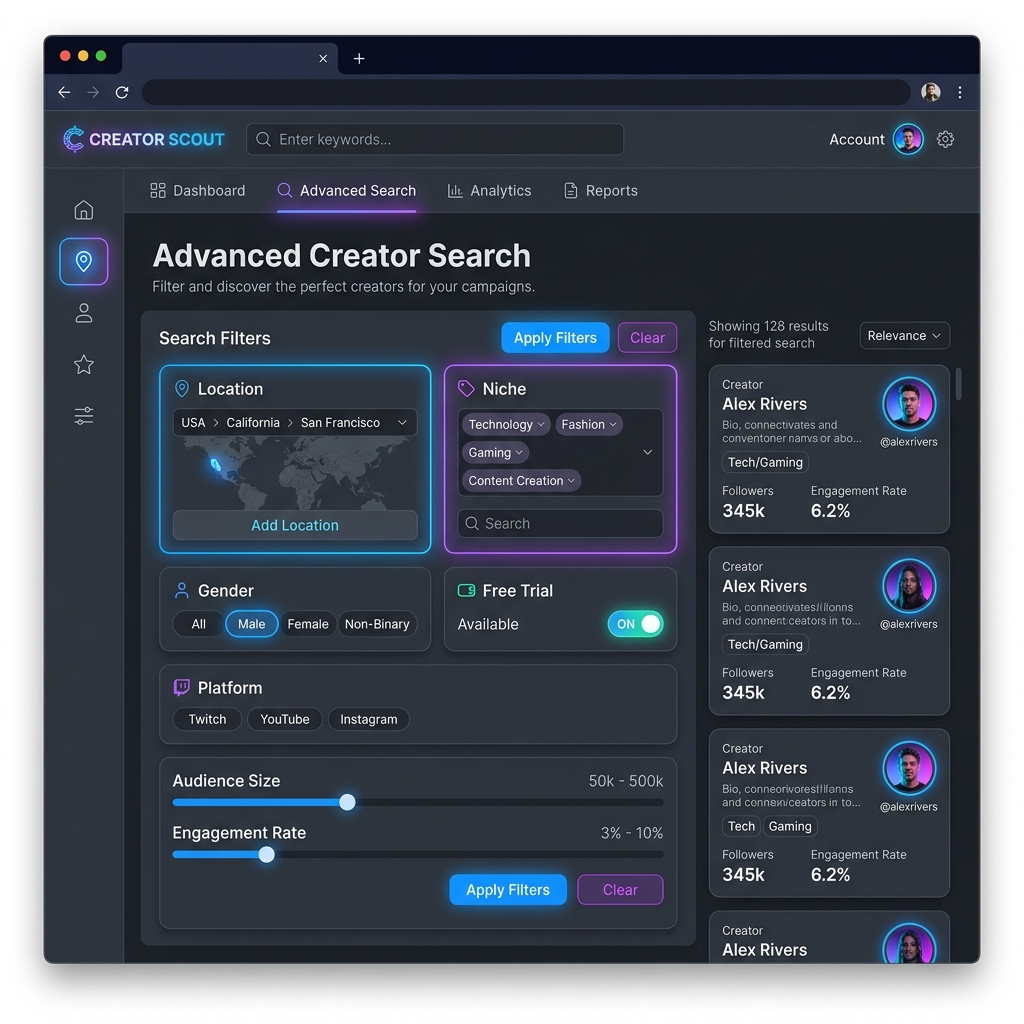
Why Doesn't OnlyFans Have an Internal Search Bar?
To understand how to search effectively, you must understand why OnlyFans hides its creator base from internal indexing:
- App Store & Payment Gateway Compliance: If OnlyFans operated an open, algorithmic adult discovery directory on its front page, mainstream payment card associations (Visa, Mastercard) and mobile browser security systems would subject the platform to prohibitive merchant restrictions.
- Creator Privacy & Stalking Defense: Many creators operate as pseudonymous or "faceless" performers to maintain separation from corporate careers or personal lives. A universal search bar would make it dangerously easy for acquaintances or employers to discover profiles via legal name lookups.
- The Business Model: OnlyFans positions itself as a technical utility—a payment processor and media hosting infrastructure—rather than an entertainment media network. It places 100% of the customer acquisition burden onto the creators themselves.
Because the native platform refuses to build discovery tools, external search methodologies are required.
| Discovery Channel | Operational Search Mechanism | Best Use Case |
|---|---|---|
| Specialized Creator Directories | OFExplorer, OnlyFinder web spiders | Category filtering, free trial discovery, engagement tracking |
| Reverse Image Search | Google Lens, TinEye open-web attribution | Tracing uncredited promotional photos back to public bio links |
| Advanced Search Operators | Targeted Google search operators (site:) | Querying indexed bios by location, niche, or pseudonym |
| Social Funnel Tracing | Reddit, X (Twitter), Instagram link bridges | Following authentic creator promotional channels directly |
| Geocoded Map Tools | Location-based directory indexing | Discovering regional models and localized creator communities |
Method 1: Specialized Third-Party Creator Directories
The fastest, most comprehensive way to discover creators is utilizing dedicated search engines that continuously scrape, index, and organize public OnlyFans profiles.
1. OFExplorer & OnlyFinder
Platforms like OnlyFinder and OFExplorer operate automated web spiders that catalog millions of active creator accounts:
- Niche Category Filtering: Search directly for hyper-specific categories (e.g., cosplay, fitness, alternative, petite, mature, ASMR) that the native platform completely conceals.
- Pricing & Promotional Filters: Filter profiles by subscription cost, locate accounts currently running 50% promotional sales, or identify profiles offering free trial links.
- Activity & Verification Badges: Verify whether an account is actively posting or abandoned before spending money on a subscription.
2. FansMetrics & Hubite
These analytical directories track historical creator metrics:
- Review estimated subscriber numbers, daily upload frequency, and engagement rates.
- Discover whether a creator relies primarily on paywalled direct messages (PPV) or provides all content free on the public feed.
Method 2: Reverse Image Search & Visual Attribution (The Truth & Cautions)
If you encounter an uncredited photograph or promotional teaser of an influencer or model from Instagram, TikTok, or Reddit without a username or link, visual reverse search tools can help trace the original public social media post.
Ethical Visual Search vs. Predatory Lookup Scams
Before using visual search tools, understand the critical boundaries of digital privacy and cybersecurity:
- The OnlyFans Paywall Boundary: OnlyFans does NOT expose subscriber or creator databases to external crawlers. Locked paywall media cannot be indexed by search engines. Any website claiming to "search all private OnlyFans content by face" is an outright phishing scam designed to steal credentials or infect devices with malware.
- Legitimate Public Image Search: Ethical tools like Google Lens and TinEye index open-web photography. Uploading a promotional image often matches it to the creator's public Instagram, X (Twitter), or Reddit portfolio where their official link-in-bio is posted.
- Specialized Facial Engines (Caution Required): While public facial recognition indexing platforms (such as PimEyes or FaceCheck.id) crawl open websites, users should exercise extreme caution. Avoid inputting private personal photos of non-public figures, and never pay third-party "doxxing" or "unmasking" services that violate privacy laws and platform terms.
Method 3: Advanced Google Search Dorking Operators
Google indexes hundreds of thousands of public OnlyFans landing pages, bio snippets, and link-in-bio aggregators. By utilizing Google Search Operators (Dorks), you can bypass platform limitations and query the database directly.
Essential Google Search Formulas
| Search Objective | Search Operator Formula | Expected Query Result |
|---|---|---|
| Find by Creator Name | site:onlyfans.com "Creator Name" | Direct indexed profile URL matching the creator's exact handle |
| Search by Location & Niche | site:onlyfans.com "Miami" "fitness" | Profiles mentioning specific city locations and content genres |
| Search via Link Aggregators | site:beacons.ai "onlyfans.com" "gamer" | Bio landing pages bridging social followers to subscription pages |
| Locate Free Promotional Trials | site:onlyfans.com/action/trial/ "free trial" | Active limited-time promotional trial links indexed by search engines |
Why Google Dorking Works
When creators write their public bio descriptions, Google’s web crawlers index that text. Searching site:onlyfans.com "yoga instructor" instructs Google to search exclusively within OnlyFans domain servers for profiles whose biographies contain that exact phrase.
Method 4: Cross-Platform Social Funnel Tracing
Because OnlyFans provides zero internal discovery, virtually every active creator conducts daily marketing across three primary external social platforms: Reddit, X (Twitter), and Instagram.
1. Reddit: The Creator Goldmine
Reddit represents the most organized creator directory in the world. Creators organize themselves into thousands of specialized subreddits:
- Broad Directories: Browse major promotion hubs like
r/OnlyFansPromotions,r/OnlyFans101, andr/BestOnlyFans. - Niche Communities: Explore aesthetic communities (e.g.,
r/cosplay,r/fitgirls,r/goth). Creators routinely post verified verification photos with direct links to their subscription pages pinned to their Reddit user profiles.
2. X (Twitter): Real-Time Teaser Hubs
X is the only mainstream social network that officially permits adult content and explicit media previews:
- Search for creator handles paired with keywords:
"[Name]" "OnlyFans"or"[Niche]" #onlyfans. - Inspect creator "Media" tabs to view promotional video clips and follow pinned links to their primary subscription tiers.
3. Instagram & TikTok: Uncovering Link-in-Bio Bridges
Mainstream lifestyle creators frequently operate secondary subscription pages without explicitly naming OnlyFans in their captions to avoid algorithmic shadowbans:
- Inspect the creator’s Link-in-Bio (typically Linktree, Beacons.ai, or a custom
.vipdomain). - Look for buttons labeled "Exclusive Content", "VIP Club", or "My Private Feed", which route directly to their OnlyFans profile.
Method 5: Finding OnlyFans Accounts by Location
Many consumers wish to find local creators residing in their specific city, state, or metropolitan area:
- Geocoded Map Directories: Tools like OnlyFinder feature dedicated Map Search functionality. Users can drop a pin on a geographic map, set a search radius (e.g., 25 miles around Chicago or London), and view creators who have publicly tagged their city in their profile settings.
- Local Subreddit Queries: Search Reddit for city-specific creator communities (e.g.,
"[City Name] OnlyFans"or"[State] models").
Safety & Scam Warning: Avoiding Fake "Account Hackers"
The high search volume surrounding OnlyFans account discovery has spawned predatory cybercrime syndicates:
- The "OnlyFans Profile Hacker" Scam: Websites or YouTube videos claiming to offer tools that can "hack into any OnlyFans account for free" or "view locked private content without paying" are 100% fraudulent. These sites are phishing portals engineered to install keyloggers, hijack credit card details, or compromise your social accounts.
- Impersonator Accounts: Always verify that an account is authentic before subscribing. Look for official cross-links from the creator’s verified Instagram or X accounts to avoid paying scam profiles using stolen photos.
Comprehensive Comparison of Discovery Methods
| Discovery Method | Speed | Accuracy | Best Suited For | Cost |
|---|---|---|---|---|
| Specialized Directories (OFExplorer) | Instant (< 10 sec) | High (Indexed data) | Category, location & price filtering | 100% Free |
| Reverse Facial Search (FaceCheck) | Fast (30 sec) | Extremely High | Identifying creators from unlabelled photos | Free / Freemium |
| Google Dorking Operators | Moderate (1-2 min) | High (Keyword matches) | Finding specific names or bio keywords | 100% Free |
| Reddit Niche Communities | Moderate | High (Direct verification) | Discovering authentic, active creators | 100% Free |
| Location Map Search | Instant | Moderate (Requires geotags) | Finding creators in specific cities | 100% Free |
Frequently Asked Questions
Can you search for someone on OnlyFans by their real legal name?
Only if the creator has voluntarily included their real legal name in their public display name, biography, or promotional social media accounts. Most creators operate under stage names or pseudonyms, making exact legal name searches ineffective unless cross-referenced via reverse image search.
Is there an official search bar on OnlyFans?
No. OnlyFans does not feature an organic search directory or discovery engine on its website. You can only navigate directly to a creator’s profile URL if you already know their exact @username.
How can I find OnlyFans creators near my city?
Utilize specialized third-party directories like OnlyFinder’s map search, search city-specific promotional subreddits on Reddit, or use Google search operators like site:onlyfans.com "City Name".
Does a creator know if I search for their OnlyFans account?
No. OnlyFans does not notify creators when users search for their profile or visit their public landing page. Your browsing activity remains completely anonymous until you actively click to subscribe or follow.
Are reverse image search tools safe to use?
Yes, legitimate AI image search engines like Google Lens and FaceCheck.id are safe for identifying public creator profiles. However, never download unverified desktop software or browser extensions claiming to offer offline search capabilities, as these frequently contain trojan malware.