
OnlyFans Payment Methods: The Complete Billing, Security & Creator Payout Architecture

Leo Vance
Published: Aug 28, 2026 • 9 min read
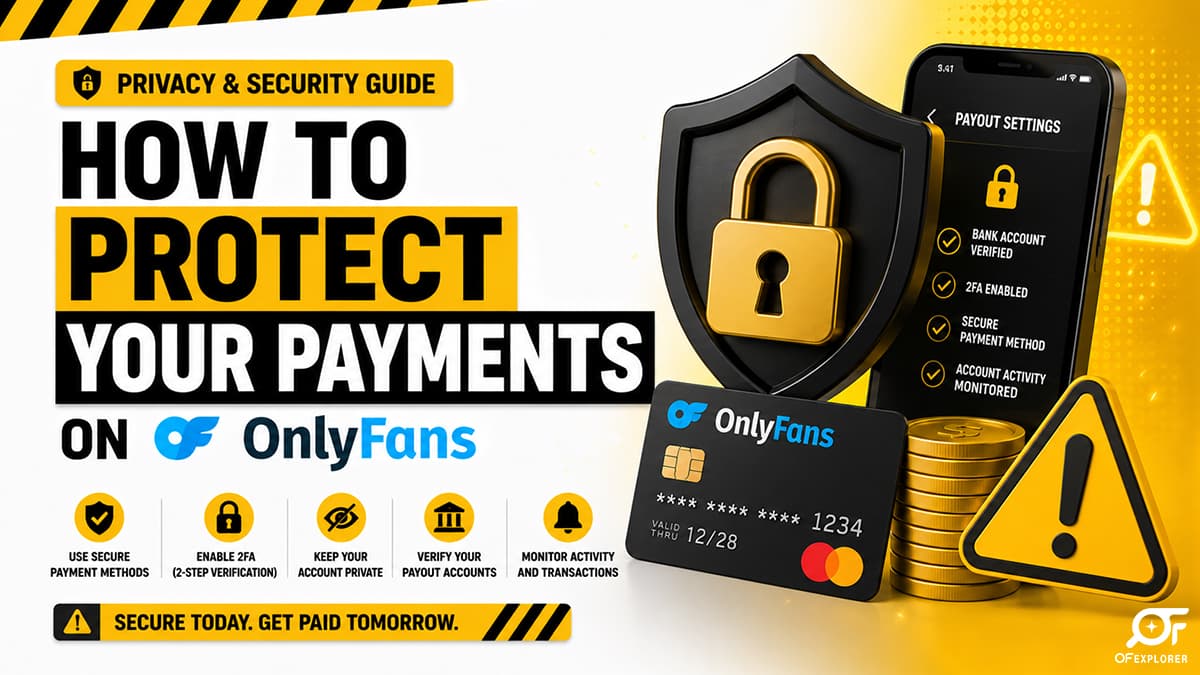
Processing payments in the subscription creator economy is one of the most technologically complex and heavily regulated operations in digital commerce. Unlike traditional e-commerce platforms that integrate standard consumer payment tools with minimal friction, adult subscription networks operate under the strict scrutiny of international card associations, high-risk acquiring banks, and complex anti-fraud frameworks.
Whether you are a consumer attempting to manage your subscription billing securely and discreetly without compromising personal financial data, or a professional creator managing five-figure monthly payouts, understanding OnlyFans payment methods is an absolute operational necessity.
In this comprehensive financial architecture guide, we dissect the mechanics of accepted subscriber payment gateways, explain why mainstream digital wallets like PayPal remain strictly barred, analyze bank statement billing descriptors, and outline the exact security protocols creators must deploy to protect their revenue from digital theft and chargeback fraud.
The High-Risk Payment Matrix: Why Adult Commerce Differs
To understand why OnlyFans enforces rigid payment restrictions, one must understand the classification of adult content platforms within global financial networks.
Payment card networks—principally Visa and Mastercard—classify digital adult subscription services as "High-Risk Merchant Accounts." This classification imposes rigorous compliance mandates:
- Mandatory 3D Secure 2.0 (3DS) Authentication: Every transaction must support multi-factor cardholder verification (such as one-time SMS passcodes or banking app biometric confirmations) to mitigate stolen card usage.
- Strict Chargeback Thresholds: High-risk merchants must maintain aggregate chargeback ratios strictly below 1.0% of total transaction volume. Exceeding this threshold results in catastrophic fines or total revocation of card processing privileges.
- Continuous Age & Consent Auditing: Payment gateways mandate real-time proof that all content participants comply with statutory age-verification and identification statutes (such as 18 U.S.C. 2257).
These regulatory realities dictate which payment options can exist within the OnlyFans checkout ecosystem.
| Transaction Milestone | Technical Protocol | Security & Settlement Safeguards |
|---|---|---|
| 1. Checkout Submission | User enters card credentials | PCI-DSS Level 1 tokenization ensures zero raw card storage |
| 2. 3D Secure Challenge | Multi-factor bank authentication (3DS 2.0) | Direct banking app biometric or SMS approval eliminates card fraud |
| 3. Merchant Acquisition | High-risk merchant banking processing | Real-time risk scoring (Ethoca/Verifi) & dynamic currency conversion |
| 4. Revenue Clearance | 80/20 platform ledger settlement | 80% net credited to creator vault; 20% retained for infrastructure |
Accepted Payment Methods for Subscribers
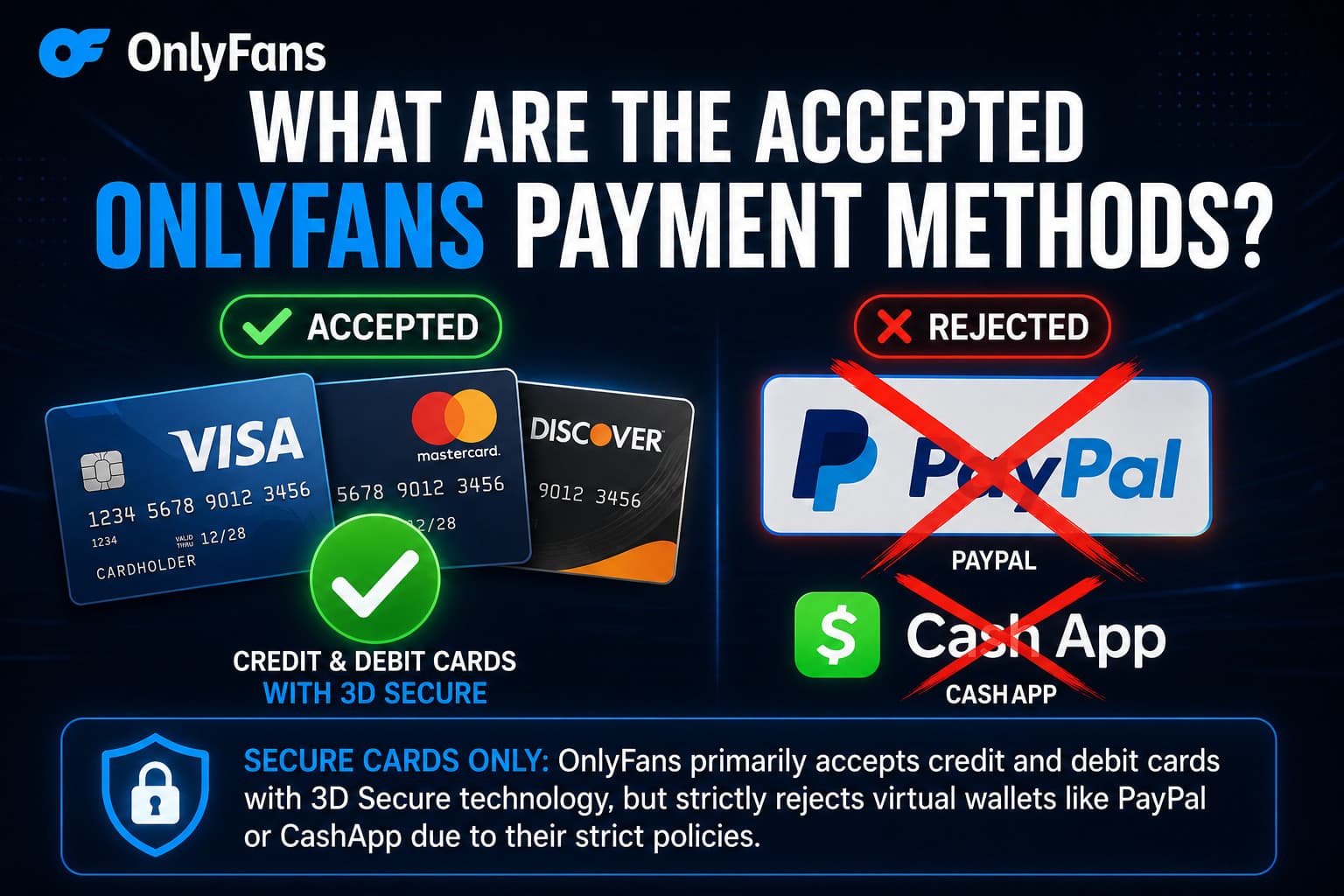
When funding subscriptions, unlocking Pay-Per-View (PPV) direct messages, or sending tips, OnlyFans currently accepts a curated selection of payment vehicles:
1. Major Credit and Debit Cards (Primary Method)
- Visa: Credit, debit, and select reloadable prepaid cards with 3DS enabled.
- Mastercard: Standard credit, debit, and commercial business cards supporting European and North American 3DS protocols.
- Discover: Fully supported for North American cardholders.
- Maestro: Supported primarily across European and UK banking institutions.
2. Virtual Credit Cards (Discreet Subscriptions)
Subscribers seeking financial privacy can utilize specialized Virtual Credit Cards that generate randomized 16-digit card numbers linked to their real bank accounts. Services like Privacy.com (in the United States) or Revolut Disposable Cards (in Europe and the UK) operate seamlessly on OnlyFans, provided they support 3D Secure SMS authentication.
Strictly Prohibited and Unsupported Payment Methods
Many new users search for alternative payment options that are fundamentally incompatible with OnlyFans:
| Payment Method | Status on OnlyFans | Primary Reason for Rejection |
|---|---|---|
| PayPal | ❌ STRICTLY PROHIBITED | PayPal Acceptable Use Policy prohibits adult/sexually explicit content |
| Cash App / Venmo | ❌ NOT SUPPORTED | Peer-to-peer closed networks lack recurring billing APIs |
| Apple Pay / Google Pay | ❌ NOT SUPPORTED | App store terms of service restrict integration with unlisted adult PWAs |
| Cryptocurrency (BTC/ETH) | ❌ NOT SUPPORTED | High price volatility and lack of recurring subscription auto-rebill capability |
| Non-Reloadable Gift Cards | ❌ GENERALLY REJECTED | Over-the-counter gift cards (e.g., vanilla Visa) lack 3DS identity registration |
Is It Safe to Put Your Credit Card on OnlyFans?
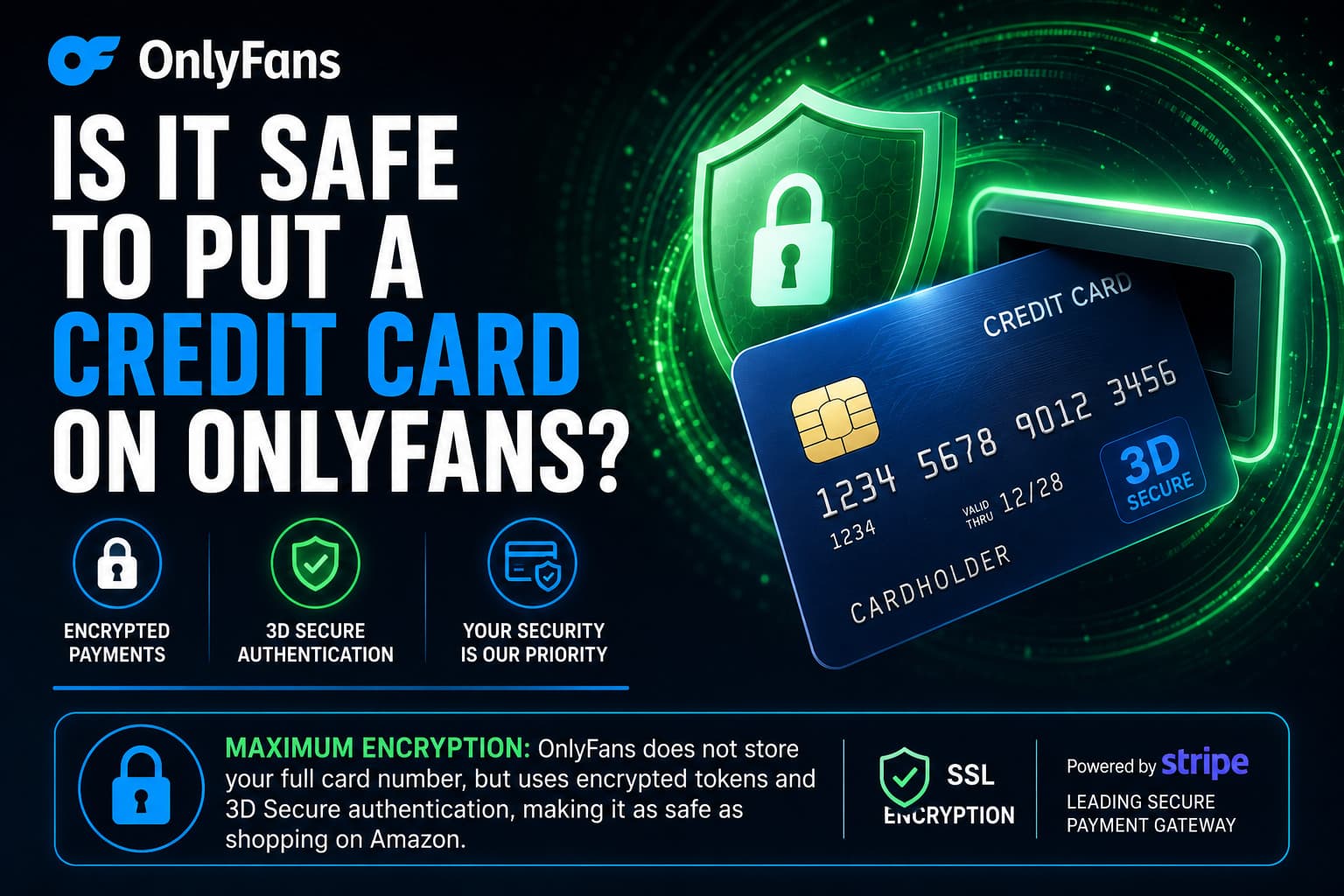
The primary hesitation among prospective subscribers centers on financial data exposure: is it safe to put a credit card on OnlyFans?
From a technical cybersecurity perspective, entering payment information on OnlyFans is as secure as conducting transactions on Amazon or major e-commerce platforms:
- PCI-DSS Level 1 Tokenization: OnlyFans does not store full 16-digit Primary Account Numbers (PAN) or Card Verification Values (CVV) on its internal application servers. All sensitive data is transmitted directly to certified PCI-DSS compliant vault providers, which return a secure cryptographic token. Even if an attacker breached OnlyFans' primary front-end databases, no usable credit card numbers could be exfiltrated.
- 3D Secure Protection: Unauthorized charges are exceptionally rare because issuing banks require two-factor authentication for unfamiliar or first-time transactions.
Bank Statements: What Does OnlyFans Show Up As?
A major source of anxiety for subscribers is the fear of embarrassing public disclosures on joint bank statements, corporate expense reports, or household credit card ledgers.
Verified Statement Descriptors
OnlyFans transactions are processed by its UK parent company, Fenix Internet LLC, or specialized regional processing subsidiaries. On credit card statements and digital banking applications, charges typically appear under one of the following descriptors:
OnlyFansorOnlyFans.comOF Fenix InternetFenix Internet LLCOF London
Strategies for Complete Billing Discretion
If you require total financial segregation to prevent transactions from appearing on a primary household bank statement:
- Utilize Privacy.com (US Users): Create an isolated virtual card assigned exclusively to OnlyFans. Privacy.com allows you to set custom merchant spending limits and masks the transaction details behind generic merchant descriptors on your funding account.
- Deploy a Secondary Digital Bank: Fund subscriptions through an independent fintech account (such as Revolut, Monzo, or Chime) reserved strictly for personal entertainment, transferring discrete allowances via standard bank transfers.
Creator Payout Infrastructure: How Top Creators Secure Their Revenue
For content creators, payment architecture is not about spending; it is about guaranteeing the timely, secure liquidation of digital royalties. OnlyFans pays out 80% of gross earnings, holding funds in a rolling 21-day clearing reserve to account for potential chargebacks before releasing balances for withdrawal.
Primary Payout Methods for Creators
- Direct Transfer / OCT (Visa Direct): Funds are routed directly to the creator’s eligible debit card or bank account, clearing within 24 to 48 hours in the US, UK, and European Union.
- International Wire Transfer (SWIFT): Standard international bank transfer used globally. However, traditional retail banks in conservative jurisdictions frequently flag or reject wire transfers originating from Fenix Internet LLC.
- Specialized Adult E-Wallets (Paxum, Cosmo Payment, Skrill): The gold standard for global creators. These financial institutions cater specifically to the digital entertainment sector, providing seamless USD payouts and issuing physical debit cards for global ATM withdrawals and retail spending.
Operational Security: Locking Down Creator Balances Against Hackers
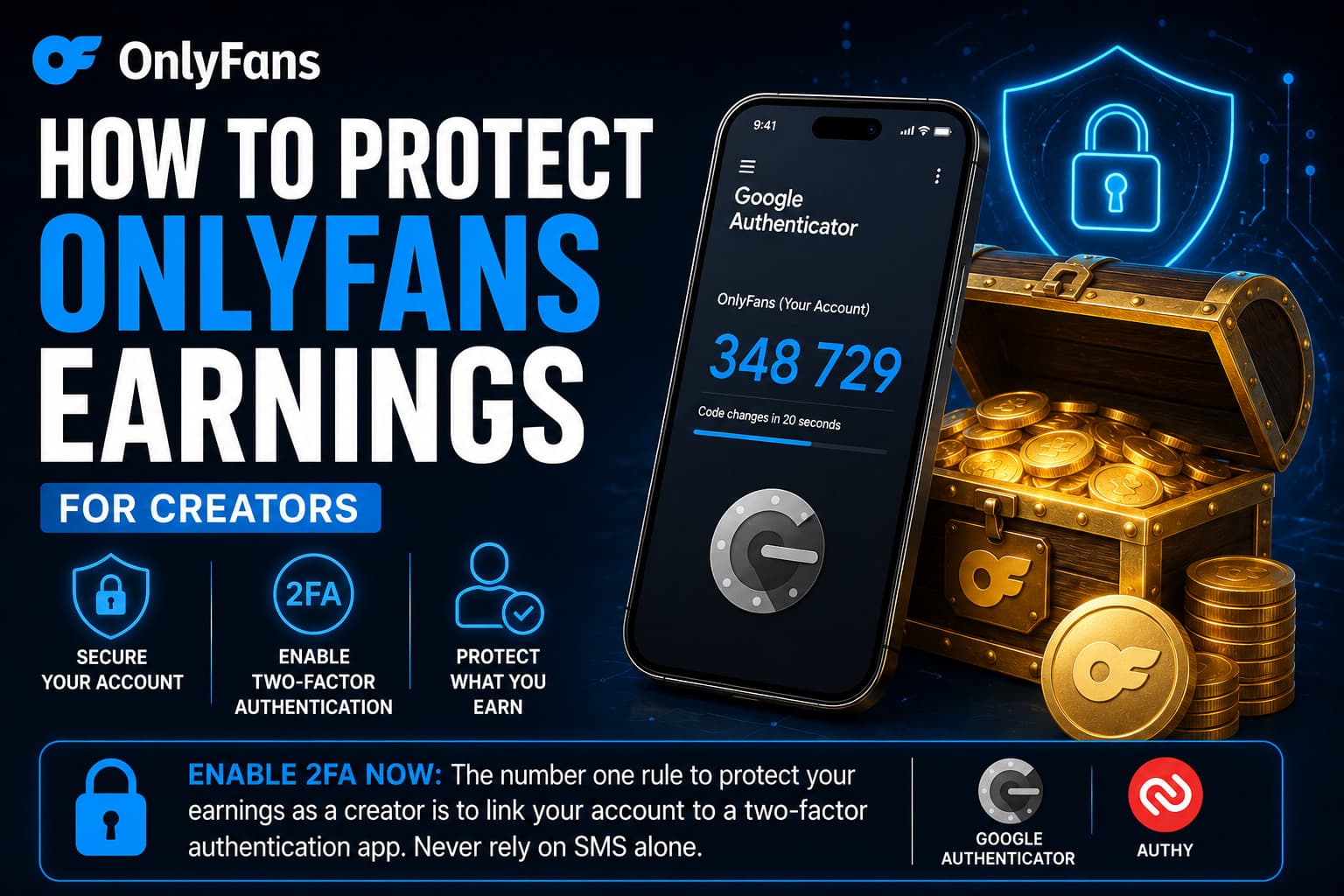
High-earning creator accounts are prime targets for cybercriminal syndicates executing Account Takeover (ATO) attacks. The primary objective of an attacker is not viewing content; it is silently altering the creator's payout banking details to redirect scheduled withdrawals into offshore burner accounts.
Mandatory Creator Security Protocols
- Enforce App-Based Two-Factor Authentication (2FA): Never rely on SMS-based verification. Attackers routinely deploy SIM-swapping exploits to hijack mobile phone numbers. Link your account exclusively to secure authenticator applications like Google Authenticator, 1Password, or YubiKey hardware tokens.
- Daily Payout Routing Verification: Make it an ironclad operational habit to inspect your banking and payout settings prior to triggering large manual withdrawals. Ensure the routing number and account holder name precisely match your verified corporate accounts.
- Dedicated Financial Email Inboxes: Use a secret, unpublicized email address exclusively for your OnlyFans administrative login. Never use public business inquiry emails (e.g.,
contact@creator.com) for platform authentication.
Frequently Asked Questions
Can you use PayPal on OnlyFans?
No. OnlyFans does not accept PayPal under any circumstances. PayPal’s official Acceptable Use Policy strictly forbids processing transactions related to sexually explicit digital media. Any website or social media account offering to fund OnlyFans via PayPal is a fraudulent scam.
What does an OnlyFans charge look like on a bank statement?
Transactions typically appear as "OnlyFans", "OnlyFans.com", "OF Fenix Internet", or "Fenix Internet LLC". OnlyFans does not reveal the names or handles of specific creators you subscribed to on your bank statements.
Do prepaid Visa gift cards work on OnlyFans?
Standard non-reloadable over-the-counter gift cards (such as Vanilla Visa or store-bought gift cards) are almost universally declined because they do not support mandatory 3D Secure verification. However, reloadable prepaid cards registered with your legal identity and virtual cards from platforms like Privacy.com or Revolut work reliably.
Why was my credit card declined on OnlyFans?
The most common causes for card declines include: the issuing bank’s automated fraud filter blocking the transaction as an unfamiliar international charge; the card lacking 3D Secure authentication capabilities; insufficient funds; or inputting an incorrect billing postal code. Contacting your bank to authorize international transactions usually resolves the issue immediately.
How often can creators withdraw money from OnlyFans?
Creators can configure automated daily, weekly, or monthly withdrawals, or execute manual payout requests whenever their cleared balance meets the minimum withdrawal threshold (typically $20 for direct transfers or $100–$200 for international SWIFT wires).
Related Financial & Security Guides
- How to Withdraw Money from OnlyFans Safely
- How Long Does OnlyFans Take to Pay? Clearing Times Explained
- What Data Does OnlyFans Collect? Forensic Privacy Audit
- Is OnlyFans Safe? Complete Security Analysis
- OnlyFans Scams: How to Spot Phishing & Fraud
- How Much Does OnlyFans Charge Creators? Complete Fee Breakdown