
Is OnlyFans Private? The Complete 2026 Technical & Financial Privacy Audit

Leo Vance
Published: Aug 26, 2026 • 9 min read

Whether you are an aspiring creator considering opening an account or a subscriber looking to support an artist, one fundamental question supersedes all others: is OnlyFans truly private?
In an era dominated by high-profile corporate data breaches, forensic digital tracking, and invasive tracking algorithms, concerns regarding anonymity and financial discretion are entirely justified.
Nobody wants their private entertainment preferences exposed to employers, family members, or acquaintances. Similarly, creators cannot afford to have their real legal names or personal home addresses leaked onto public internet forums.
The short answer is that OnlyFans is engineered with strict cryptographic and architectural privacy controls, but your real-world anonymity depends entirely on how you configure your account and financial gateways.
Below is an exhaustive, technical privacy audit examining what subscribers, creators, banking institutions, and law enforcement agencies can—and cannot—see.
Subscriber Privacy: Can Creators See Who You Are?
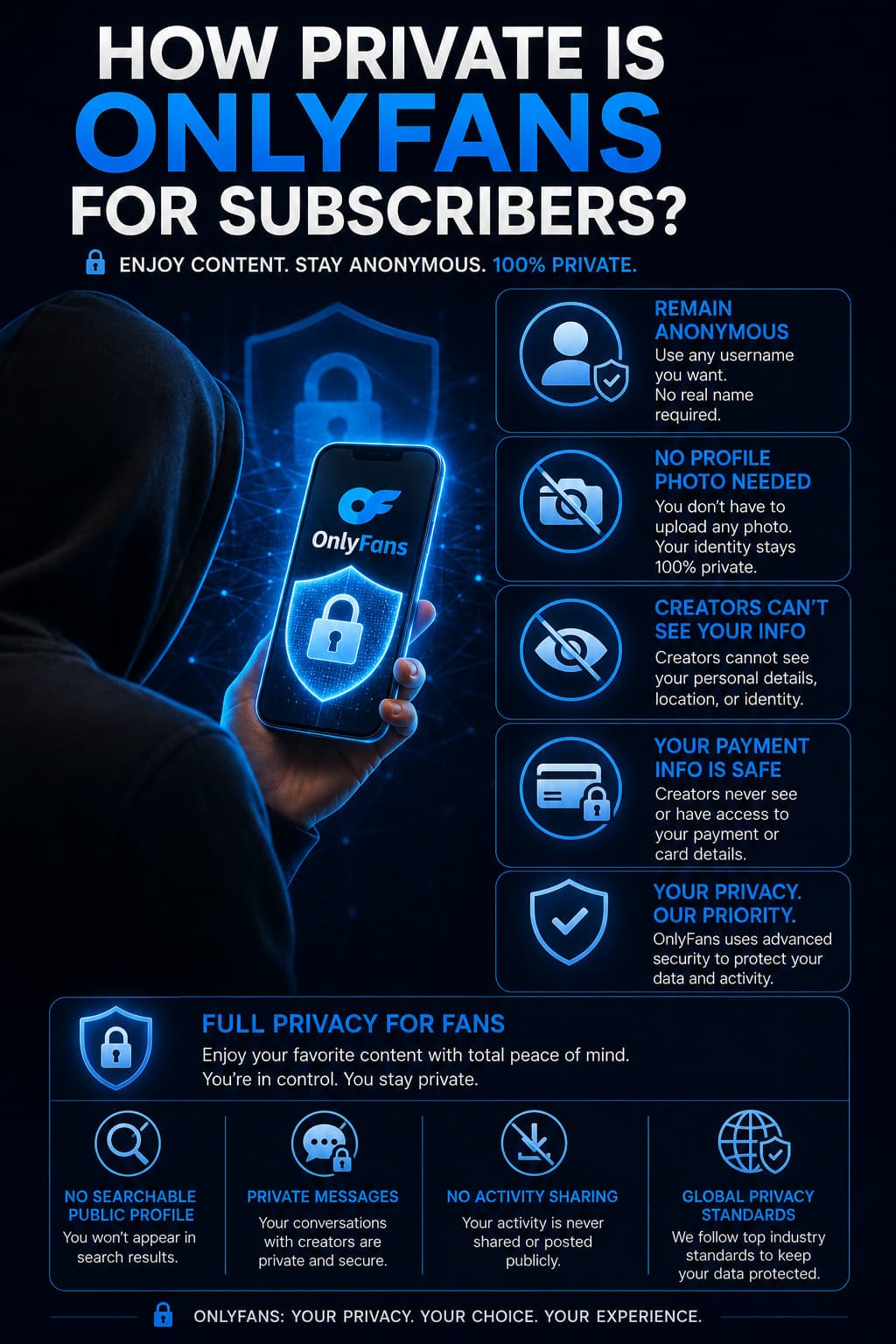
For consumers purchasing subscriptions and pay-per-view media, privacy protections are robust, strict, and active by default.
What Creators CANNOT See:
- Your Real Legal Name: When you register an account, you can select any arbitrary display name (e.g., "DigitalVoyager99"). Creators only see this pseudonym; they never see your legal identity.
- Your Credit Card Information: All payment data is processed through encrypted Level 1 PCI-DSS compliant payment gateways. Creators never receive your credit card number, expiration date, CVV security code, or billing address.
- Your Real Email Address: Your registered email address is encrypted and completely hidden from creator dashboards.
- Your Geographic Location or IP Address: Creators cannot access your IP address, physical city, or browsing coordinates.
What Creators CAN See:
- Your chosen public username, display name, and avatar image.
- Your historical spending total on their specific page (tips, subscriptions, PPV unlocks).
- Whether your automatic subscription renewal (rebill) is currently toggled on or off.
- Direct messages and comments you submit on their timeline.
If you choose an untraceable username, upload a neutral avatar, and do not disclose personal biographical details in chat, your identity remains 100% anonymous to creators. For additional safety best practices, read our comprehensive analysis on is OnlyFans safe.
The Banking Mystery: What Shows Up on Your Credit Card Statement?
The number one concern for subscribers is financial statement visibility. What actually appears when your monthly bank statement arrives in the mail or on your banking app?
Because OnlyFans is owned by Fenix International Limited, transactions are processed through specialized corporate merchant merchant identification descriptors (MIDs).
| Transaction Type | Typical Bank Statement Descriptor | Level of Discretion |
|---|---|---|
| Direct Card Transaction | OnlyFans, OF London, Fenix Internet LLC | Semi-Discreet (Names OnlyFans directly or parent entity) |
| Virtual Card (Privacy.com) | Privacy.com - Merchant Name (Custom masked descriptor) | 100% Completely Anonymous & Disconnected |
| Secondary Billing Descriptor | OFTV, OF Ent UK | Varies by issuing bank network |
How to Guarantee 100% Financial Anonymity
If you require absolute discretion—ensuring the word "OnlyFans" never appears on any joint account or personal credit card statement:
- Utilize Virtual Cards (e.g., Privacy.com or Revolut Disposable Cards): Virtual card services allow you to generate single-use digital card numbers funded by your primary checking account. You can set customized spending limits and merchant locks, and the bank statement displays only the neutral virtual card provider.
- Prepaid Visa / Mastercard Gift Cards: While OnlyFans historically accepted certain prepaid cards, modern 3D Secure (3DS) fraud prevention protocols reject most non-reloadable gift cards. Virtual card masking remains the gold standard.
Review our complete breakdown of compliant digital banking options in our guide to OnlyFans payment methods.
Creator Privacy: Safeguarding Your Identity Behind the Paywall
For content creators, managing privacy requires navigating a delicate balance between public brand promotion and personal anonymity.
The Mandatory KYC Verification Wall
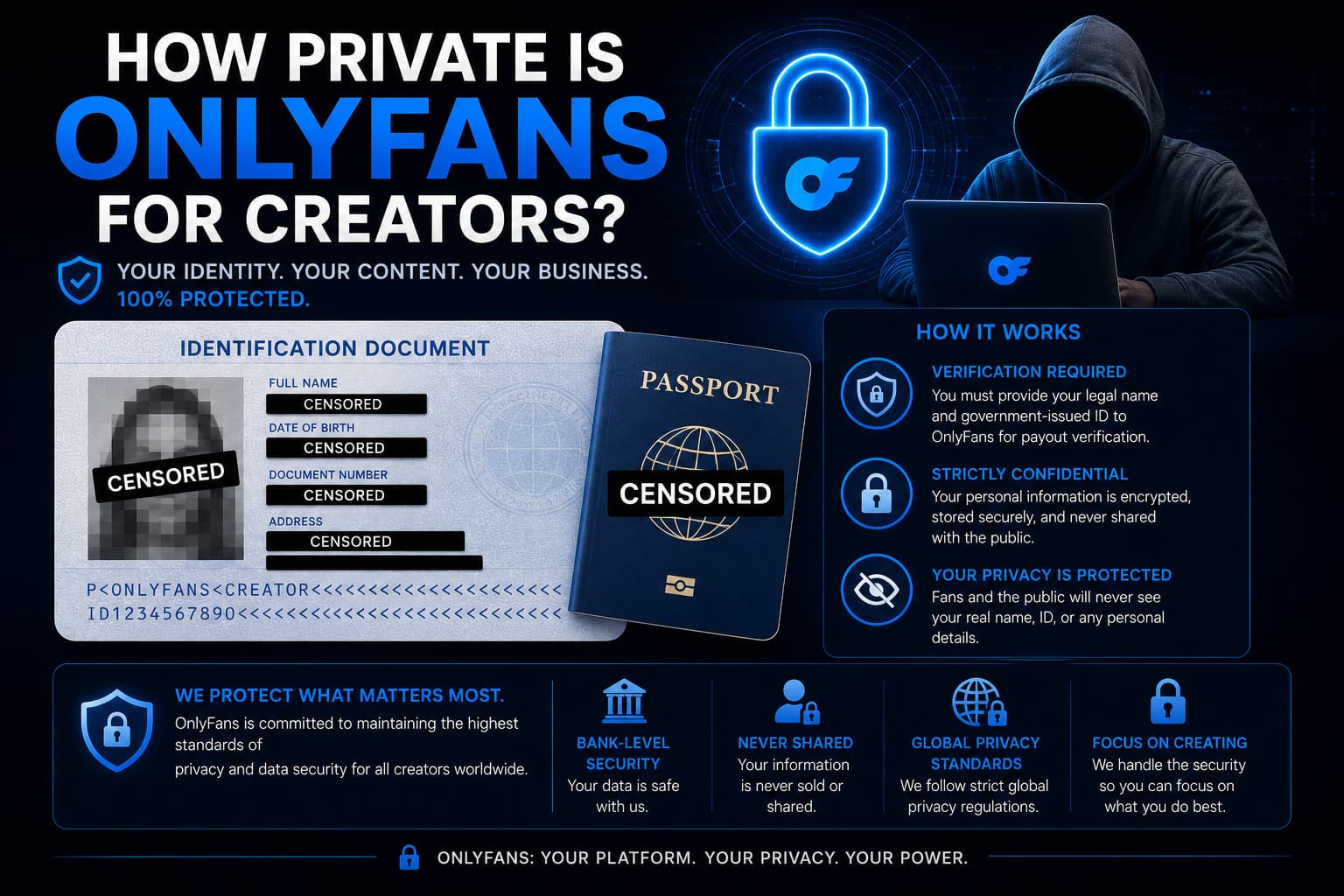
Under federal banking laws, IRS regulations, and the European Union DAC7 directive, no one can legally receive payouts from OnlyFans anonymously. To activate creator monetization, you must provide:
- A government-issued photo ID (passport or driver's license).
- A biometric facial verification selfie.
- Your legal residential address and Social Security Number (SSN) or tax identification number.
- A verified direct-deposit checking account.
The Data Segregation Firewall
However, this compliance data is held in an isolated, SOC2-audited database. OnlyFans' customer support staff, platform chatter agencies, and external subscribers have zero visibility into this database.
On the public internet, your profile displays only your stage name. To elevate your privacy even further, creators can establish a Wyoming or Delaware Limited Liability Company (LLC) to receive payout deposits under an Employer Identification Number (EIN), ensuring their real name never surfaces on commercial documentation.
Learn how to build a lucrative career without revealing your identity in our dedicated manual on running a faceless OnlyFans account.
Content Security: Can Subscribers Download or Leak Your Media?
A common privacy concern among creators is media theft and non-consensual distribution.
Technically, anything rendered on a computer display can theoretically be captured via third-party screen recording software or secondary physical cameras. However, OnlyFans deploys multiple layers of proprietary digital rights management (DRM) and forensic tracking:
- Encrypted HLS Media Streams: Video files are not delivered as downloadable MP4 files. They are chopped into encrypted chunks delivered via HTTP Live Streaming (HLS), preventing right-click saving.
- Dynamic Forensic Watermarking: In your account security settings, enable Automatic Watermarking. The platform automatically stamps your OnlyFans handle subtly across every photo and video. Advanced platform configurations can even imperceptibly encode the viewing subscriber's unique account ID into the pixels of the media stream.
- Aggressive DMCA Enforcement: When leaks occur, registered creators have access to dedicated copyright enforcement partners who automatically issue federal DMCA takedown notices to search engines, file lockers, and hosting providers.
To understand how copyright legislation protects your brand, review our investigative findings on OnlyFans leaked content.
The Legal Reality: Law Enforcement and Subpoenas
While OnlyFans is fiercely protective of user privacy against third-party commercial entities, it is not an encrypted darknet haven.
Under mandatory compliance protocols:
- Fenix International complies with valid federal court orders, law enforcement subpoenas, and mutual legal assistance treaties (MLAT) in cases involving criminal activity, credit card fraud, or financial crimes.
- Platform servers record IP connection logs, transaction timestamps, and device fingerprints for compliance audits and dispute resolution.
For 99.9% of law-abiding subscribers and creators, your personal privacy is safeguarded by enterprise-grade cryptographic standards far more robust than conventional social networks like Facebook or TikTok.
To optimize your account settings from day one, study our comprehensive checklist on how to block someone on OnlyFans and our essential guide to OnlyFans security tips.
Frequently Asked Questions
Does OnlyFans show your real name on credit card statements?
No. Your bank statement will display billing descriptors such as 'OnlyFans', 'OF London', or 'Fenix Internet LLC'. It will never display the name of the specific creator you subscribed to, nor will it describe the specific content you purchased.
Can an OnlyFans creator see who subscribed to them?
A creator can only see your public display name, username, profile picture, and total spending history on their page. They cannot see your legal name, email address, physical location, or credit card details.
Is OnlyFans safe to browse on a work or school network?
No. If you connect to OnlyFans via a workplace or university Wi-Fi network, network administrators can see the domain onlyfans.com in their routing traffic logs, even if they cannot inspect the encrypted media you view. Always use private cellular data or a reputable VPN.
Can I delete my OnlyFans search and transaction history?
OnlyFans does not maintain a public search history. While past transaction receipts remain in your private billing history tab for account reconciliation, you can delete direct message threads or permanently delete your account at any time.
How does OnlyFans protect creator tax information?
Creator tax documents (such as W-9 forms and 1099 statements) are encrypted in compliance with IRS guidelines and stored on isolated servers. They are never accessible to platform subscribers or external third parties.